
Note: Auto only supports 1K. 1:1 does not support 4K.
Genogram Maker
Describe family members, generations, relationships, labels, and the visual style you want. You can also upload a rough chart as an optional reference, then generate a readable illustrated family diagram.
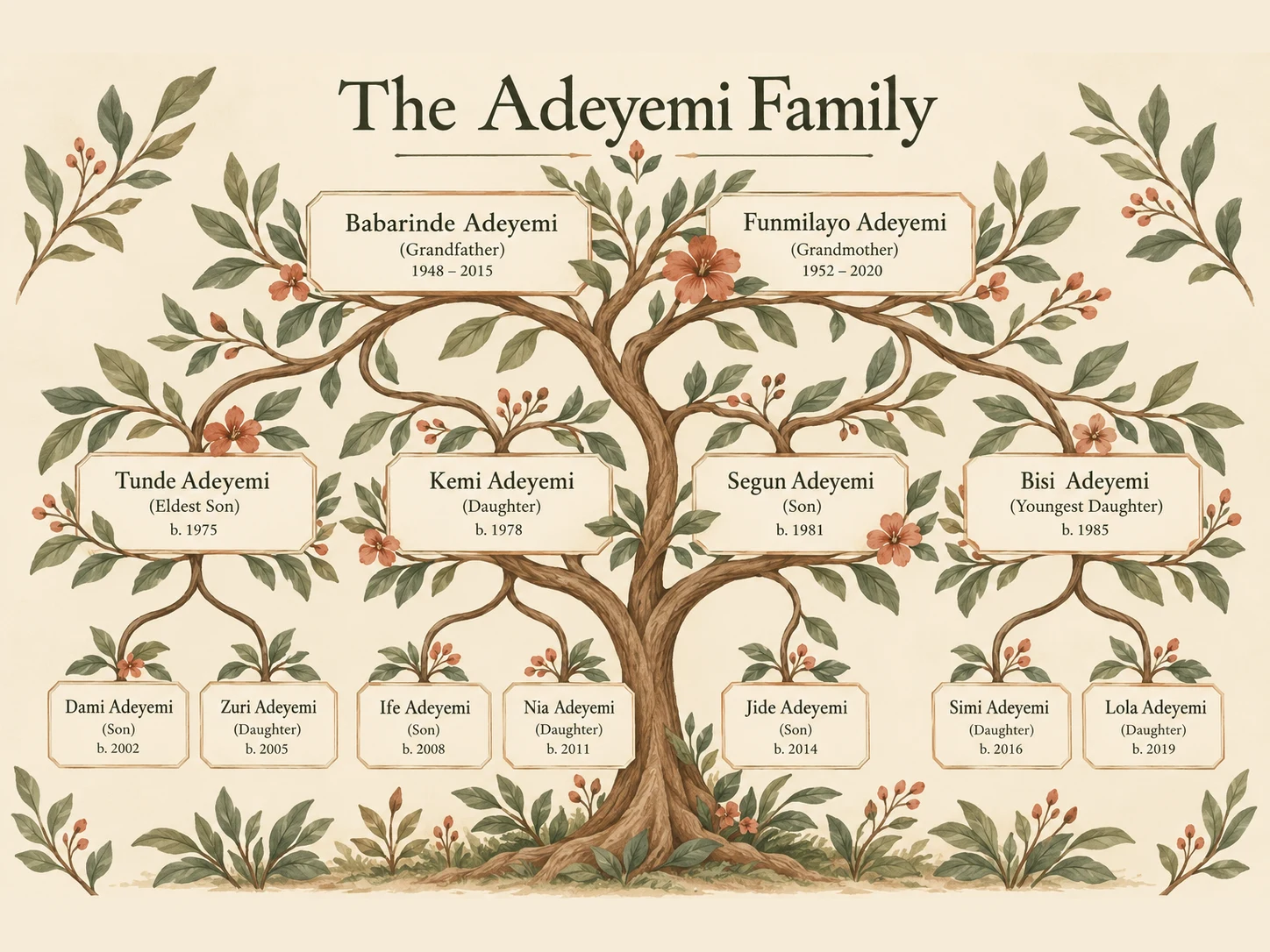
How to Use the Genogram Maker
Describe the Family Structure
Enter the family members, generations, relationships, important labels, and preferred chart style. Put names or headings in quotation marks when exact wording matters.
Generate the Chart
Choose an aspect ratio that fits the number of generations, then generate the family chart and compare the structure, labels, and visual balance.
Review and Download
Verify every name and connection, refine the prompt when necessary, and download the version that best presents your family information.
Why Choose the Genogram Maker
Turn Family Notes into a Visual Structure
Convert written names, generations, and relationships into a clear first draft without drawing every branch and connector manually. Spend more time checking the information and less time arranging shapes.
Create a Chart That Fits the Story
Describe an illustrated keepsake, a simple teaching diagram, or a multi-generation family chart. Adjust the palette, typography, labels, and layout to match the purpose of the visual.
Make Family Information Easier to Read
Combine names, short notes, relationship lines, and optional portraits in one organized visual so relatives, students, or project collaborators can understand the structure more quickly.
Who Use Qimg AI
Creators
Turn family stories, keepsake ideas, and multi-generation notes into polished visual charts for personal projects and presentations.
Designers
Explore chart layouts, botanical motifs, typography, color palettes, and illustrated family-tree directions before refining the strongest concept.
Marketers
Create organized heritage, community, education, or storytelling visuals that make complex relationship information easier to present.
FAQs About the Genogram Maker
A genogram maker turns family members and their connections into a visual diagram. This version is designed for illustrated family charts, educational visuals, and family-history projects rather than formal clinical documentation.
A family tree mainly shows lineage across generations. A genogram can add relationship quality, household roles, health information, or other context, although professional uses require established notation and careful verification.
Yes. Describe the people, generations, relationships, labels, and layout you want. Clear names and explicit connections help the generator organize the chart more effectively.
Yes. A sketch, table screenshot, or rough chart can provide optional structural guidance. Review the generated result carefully because text and relationship lines may still need correction.
It can support school projects, teaching materials, presentations, and family-history planning. Do not treat an AI-generated chart as clinically accurate documentation without checking every symbol, label, and relationship in dedicated professional software.
Discover More on Qimg AI
Qimg AI is your go-to AI image toolkit for generating, editing, and enhancing photos and artwork.




Create a Clear Family Genogram
Describe the people, generations, relationships, and style, then turn your family information into a readable visual chart.