
Note: Auto only supports 1K. 1:1 does not support 4K.
Grok Bot Icon Generator for Recognizable Bot Avatars
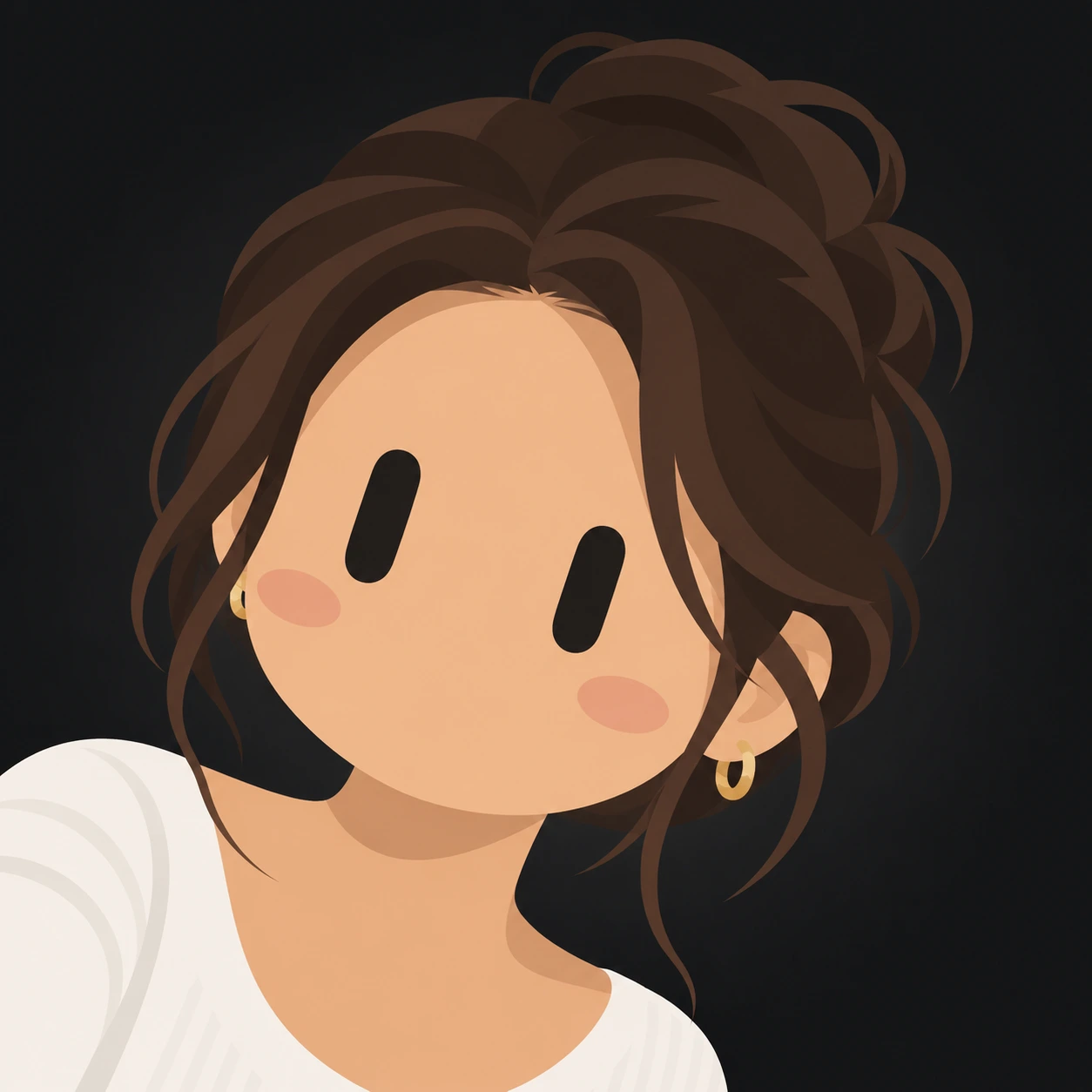
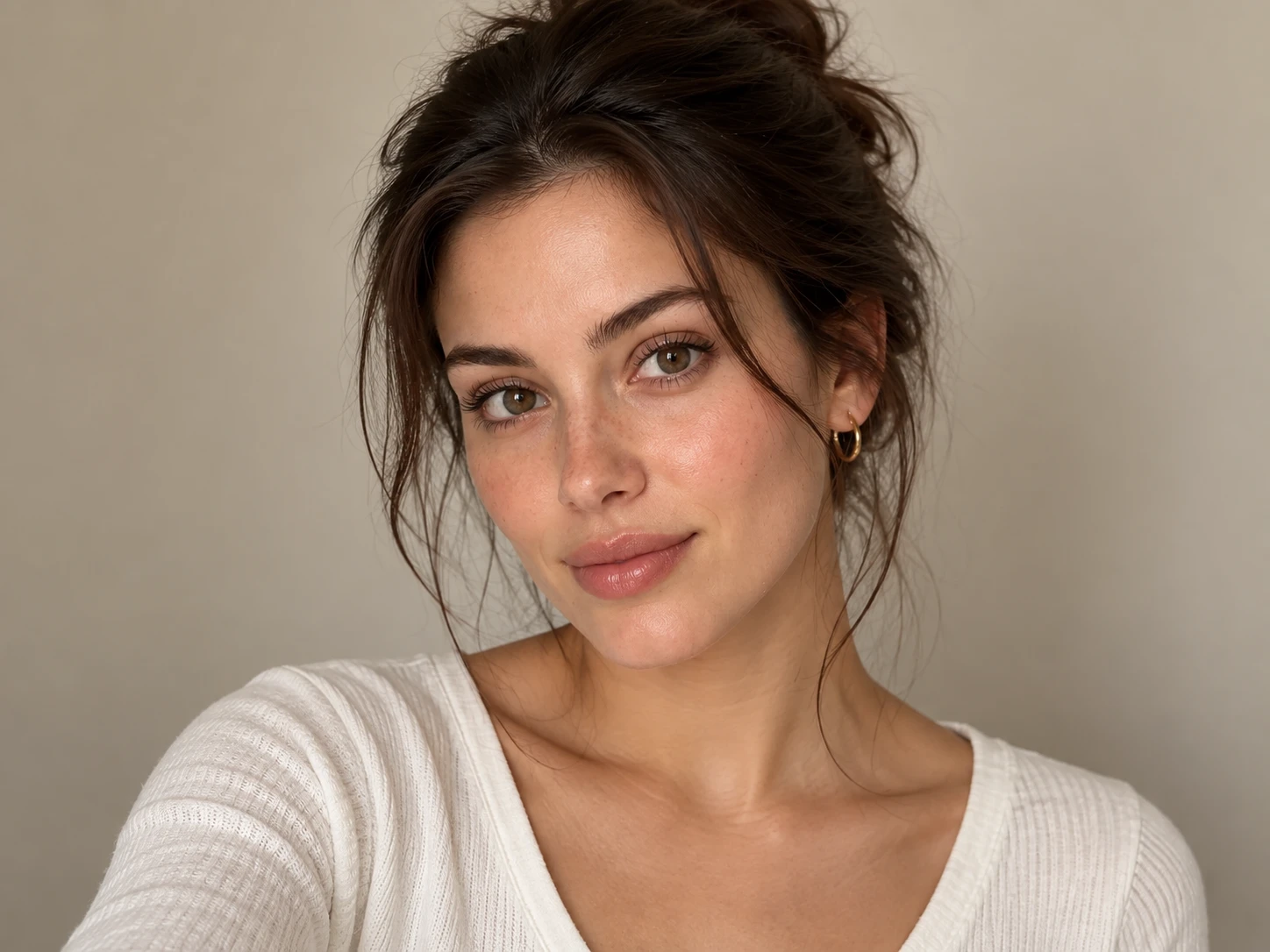
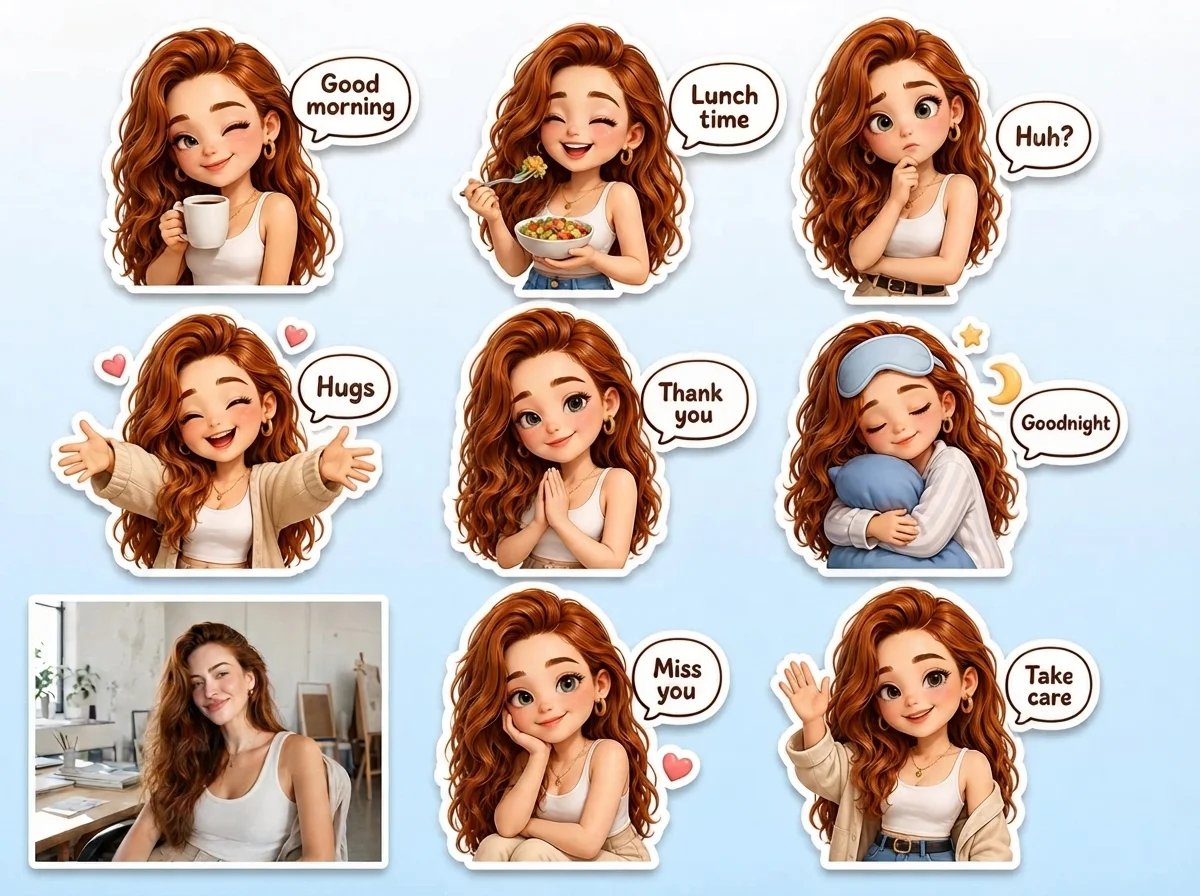
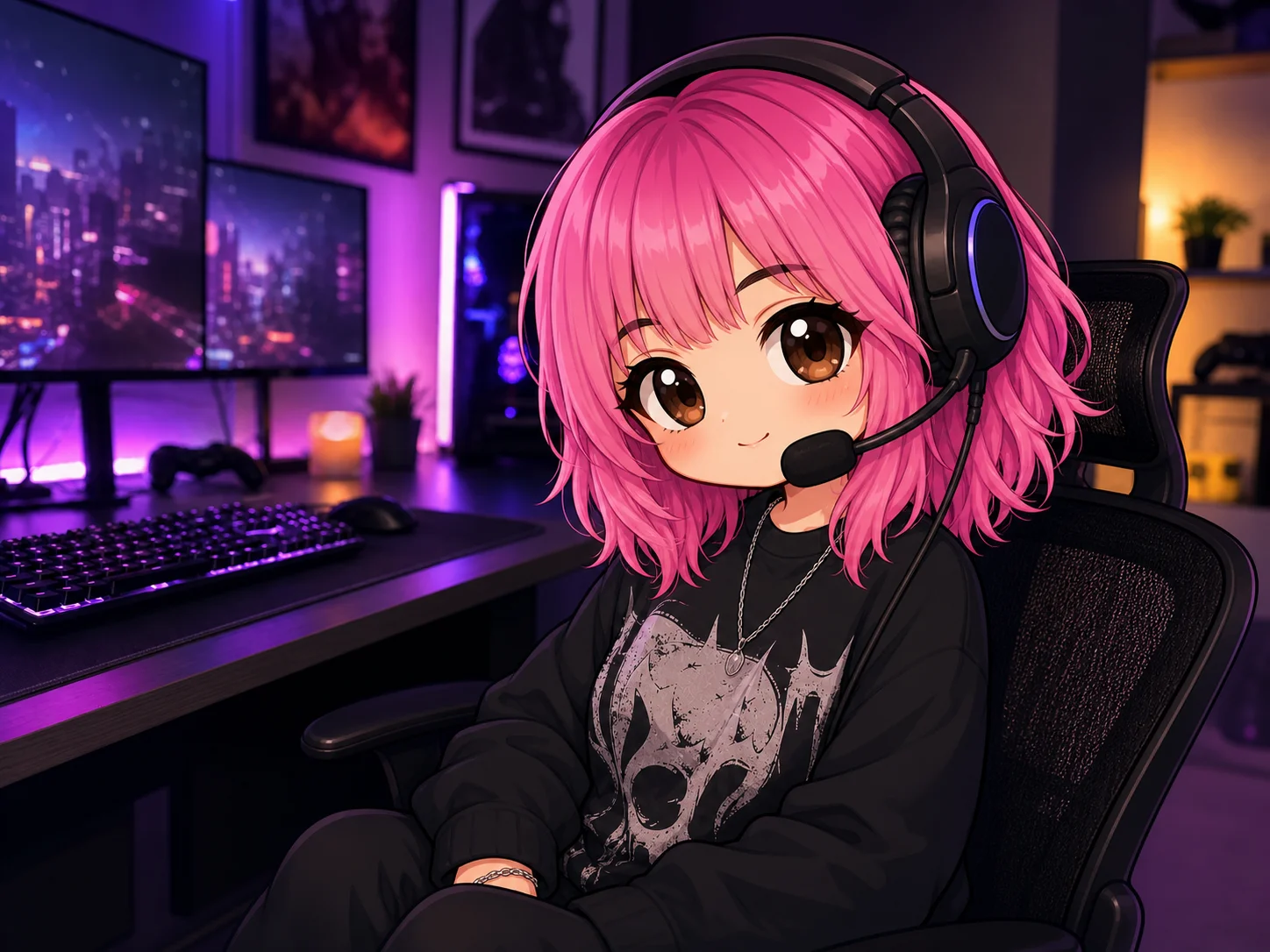
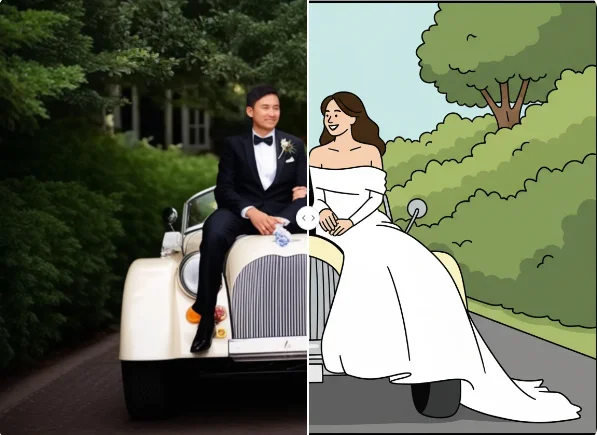
The grok bot icon generator reworks the intended subject with capsule-shaped eyes, simplified facial details, flat color blocks, and a clean avatar composition while preserving recognizable hair, colors, and signature accessories.
How to Create a Grok Bot Icon
Upload a Clear Image
Choose a photo or illustration where the intended face, head shape, hairstyle, and important accessories are easy to see. Clear subjects provide a stronger visual reference.
Adjust the Bot Style
Review the prompt and refine details such as the eye treatment, color palette, background, framing, and the signature traits you want the avatar to retain.
Generate and Download
Generate the image, check that the subject remains recognizable at profile-picture size, then download the version with the clearest silhouette and most balanced composition.
Why Choose This Grok Bot Icon Maker
A Clear Grokbot Icon Look
Turn detailed portraits into a compact grokbot icon with capsule-like eyes, simple facial shapes, and broad areas of flat color that stay legible in a small profile frame.
Recognizable Personal Details
Keep visual cues such as hair color, hairstyle, headwear, glasses, ears, or other distinctive accessories so the simplified bot avatar still reflects its source.
Profile-Ready Composition
Build a centered, uncluttered avatar that works for social profiles, community identities, character collections, and matching icon sets across common platforms.
Who Use Qimg AI
Creators
Reimagine selfies, original characters, mascots, or pets as compact bot avatars for profiles, posts, and personal visual identities.
Designers
Explore simplified silhouettes, limited palettes, eye shapes, and accessory treatments while developing icon systems or character directions.
Marketers
Create recognizable bot-style portraits for community campaigns, creator promotions, event identities, and coordinated social visuals.
FAQs About the Grok Bot Icon
It is a minimal bot-style avatar commonly recognized by capsule-shaped eyes, simplified facial features, flat colors, and a compact profile-picture composition. People often transform portraits, pets, or fictional characters into this style while keeping a few recognizable details.
No. Qimg AI is an independent creative platform and is not affiliated with, endorsed by, or sponsored by xAI or X. The term describes the visual style requested for the generated avatar.
You can use a clear selfie, portrait, pet photo, character illustration, mascot, or group photo. Keep the intended subjects visible and avoid heavy blur, obstruction, or extremely small faces.
The edit can carry over recognizable cues such as hair shape and color, skin tone, headwear, glasses, earrings, pet ears, or other signature accessories while simplifying the rest into clean graphic forms.
Use it as a profile picture, community avatar, character icon, matching group badge, or visual element for social posts. Review the image at small size to confirm that the face and silhouette remain readable.
Discover More on Qimg AI
Qimg AI is your go-to AI image toolkit for generating, editing, and enhancing photos and artwork.
Create a Grok Bot Icon From Your Photo
Transform a portrait, pet, character, or group into a clean bot avatar with capsule eyes, flat colors, and recognizable signature details.