
Note: Auto only supports 1K. 1:1 does not support 4K.
Horror AI Image Generator for Cinematic Scary Art
Upload a photo, describe the horror mood or character you want, and let the AI Horror Generator create an eerie transformation. Guide the setting, lighting, atmosphere, and visual style while keeping the main subject recognizable.
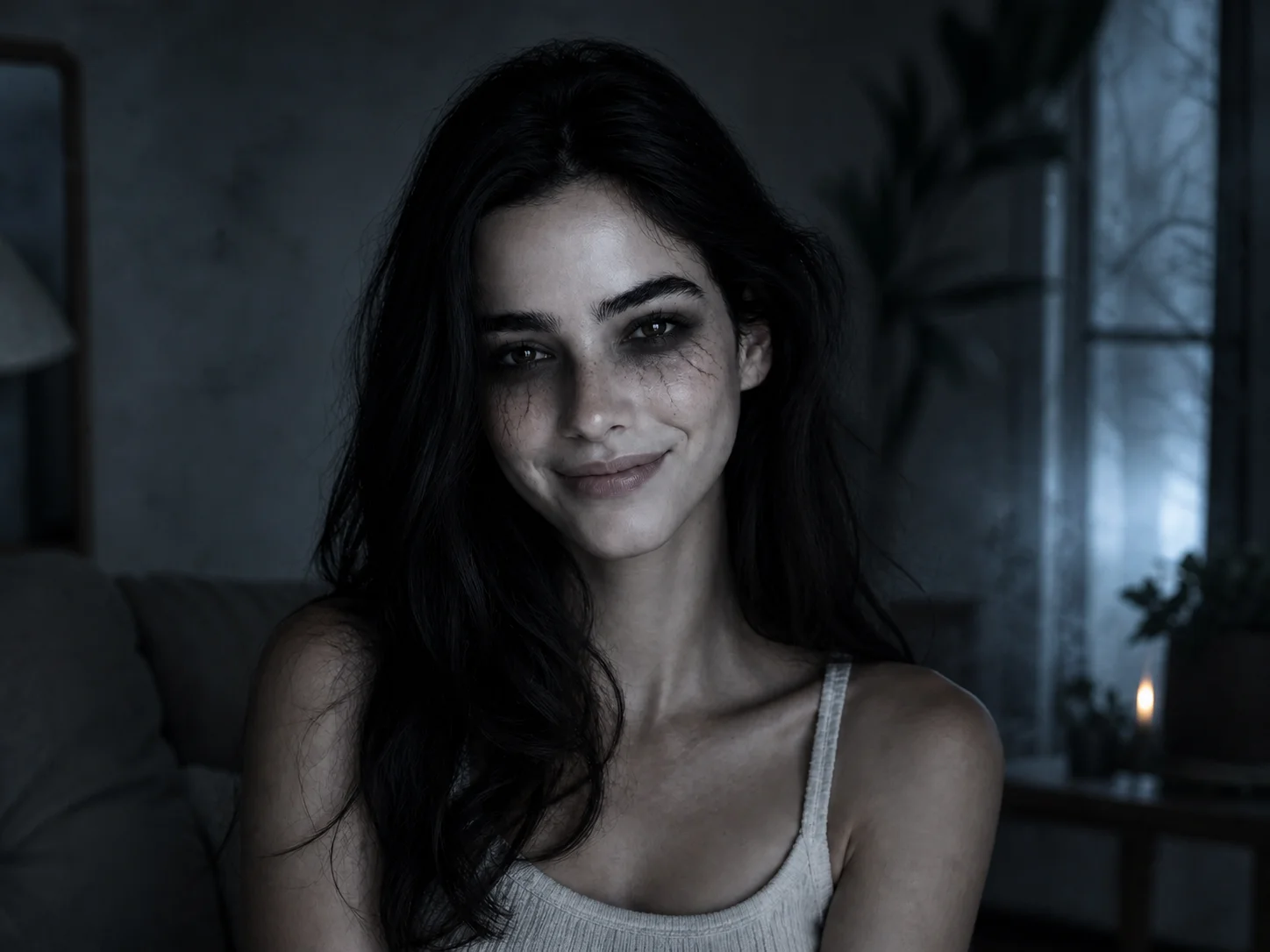
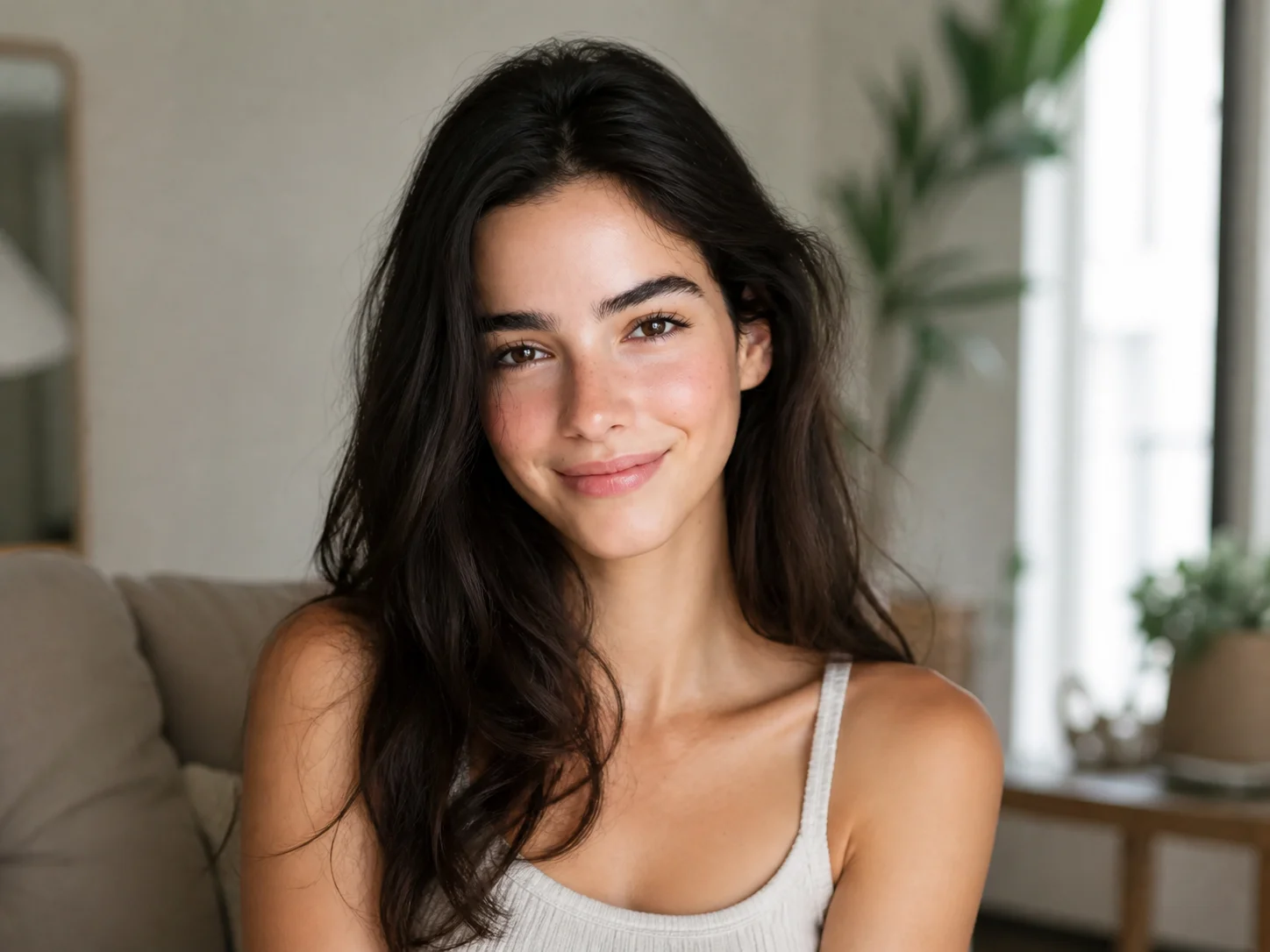
How to Use the Horror AI Image Generator
Upload
Choose a clear portrait or scene photo that you want to transform into horror art.
Generate
Describe the character, setting, lighting, and mood, then generate a cinematic horror transformation.
Download
Review the result and download it for posters, thumbnails, social posts, Halloween designs, or creative projects.
Why Choose This Horror AI Image Generator
Build a Cinematic Horror Atmosphere
Combine eerie lighting, deep shadows, fog, distressed textures, and dramatic color treatments to make each scene feel tense, immersive, and visually cohesive.
Explore Distinct Horror Directions
Use the AI Horror Generator to create haunted portraits, analog horror, gothic scenes, supernatural characters, dark fantasy worlds, and other unsettling visual concepts from one creative workflow.
Keep the Original Subject Recognizable
Transform the mood, environment, lighting, and styling while preserving the uploaded person's recognizable identity and the essential structure of the source image.
Who Use Qimg AI
Creators
Produce horror portraits, Halloween posts, scary thumbnails, and dark visual stories without manually building every effect.
Designers
Explore gothic compositions, supernatural characters, cinematic lighting, and unsettling art directions for posters, covers, and concept work.
Marketers
Create attention-grabbing seasonal visuals for Halloween campaigns, themed events, entertainment promotions, and social content.
FAQs About the Horror AI Image Generator
A horror AI image generator transforms a photo or written prompt into a scary visual by applying horror-inspired settings, characters, lighting, textures, and atmosphere.
You can describe analog horror, gothic fantasy, haunted scenes, zombies, vampires, ghostly figures, creepy portraits, or cinematic supernatural concepts in your prompt.
Yes. Upload a clear portrait and describe the intended character, makeup, lighting, background, and mood. The transformation is designed to keep the person recognizable while changing the horror styling.
Describe the subject, location, time of day, lighting, color palette, atmosphere, and style. Specific directions such as foggy gothic mansion, dim VHS footage, or cinematic haunted portrait usually provide clearer guidance.
The tool is designed to preserve the subject's recognizable identity and core composition while applying the requested horror atmosphere, character details, and visual treatment.
Discover More on Qimg AI
Qimg AI is your go-to AI image toolkit for generating, editing, and enhancing photos and artwork.
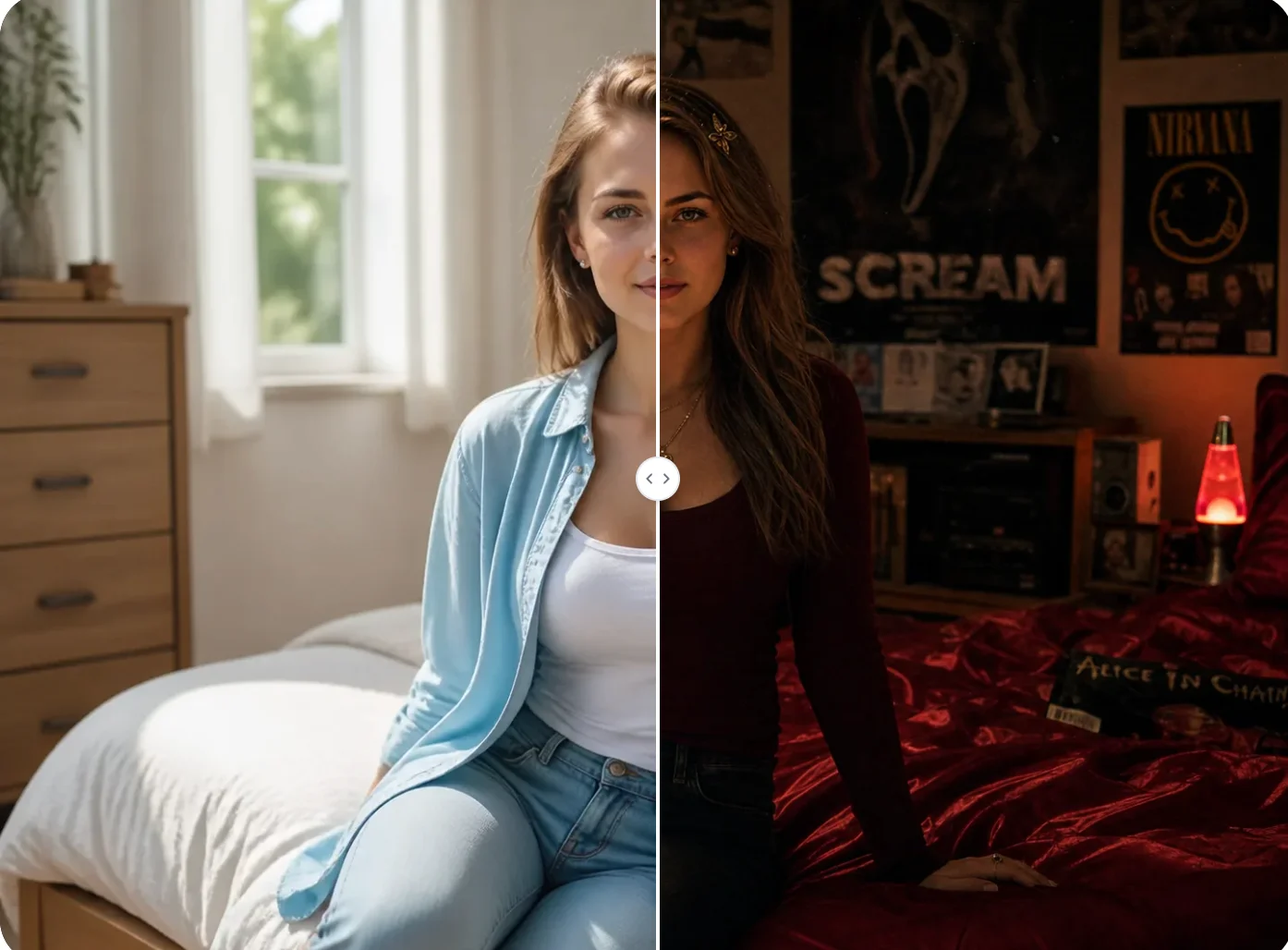
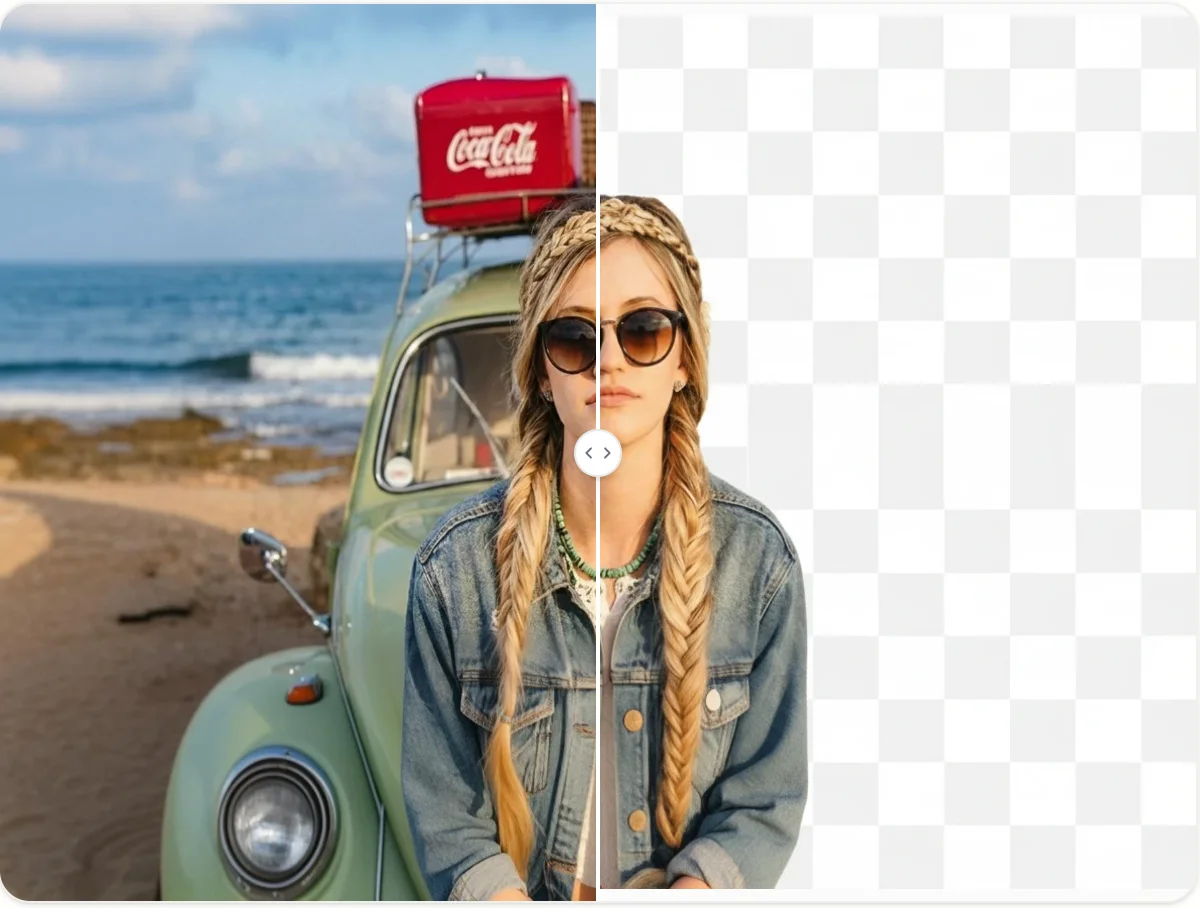
Create Scary Art with the Horror AI Image Generator
Upload a photo, describe your horror concept, and transform it into a cinematic scene with eerie characters, dramatic lighting, and dark atmosphere.