
Note: Auto only supports 1K. 1:1 does not support 4K.
AI Image Extender
Upload your image and let AI extend it beyond the original boundaries. Expand backgrounds, change aspect ratios, and get high-quality results instantly.


How to Use AI Image Extender
Upload
Upload the image you want to expand to Qimg AI. We support standard formats like JPG and PNG.
Generate
Select your desired aspect ratio (e.g., 16:9, 9:16) or drag the borders to define the new size. Click "Generate" to let the AI process the image.
Download
Preview the seamlessly expanded result. Log in to download your high-quality image, ready for social media or design projects.
Why Choose AI Image Extender
Seamless Background Extension with AI Outpainting
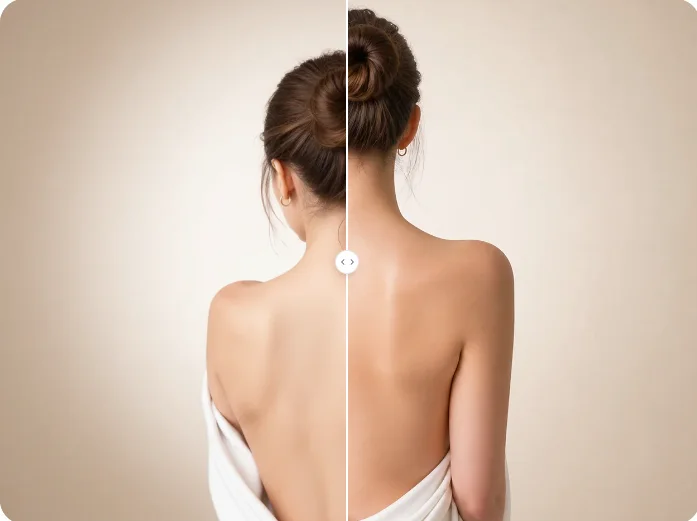
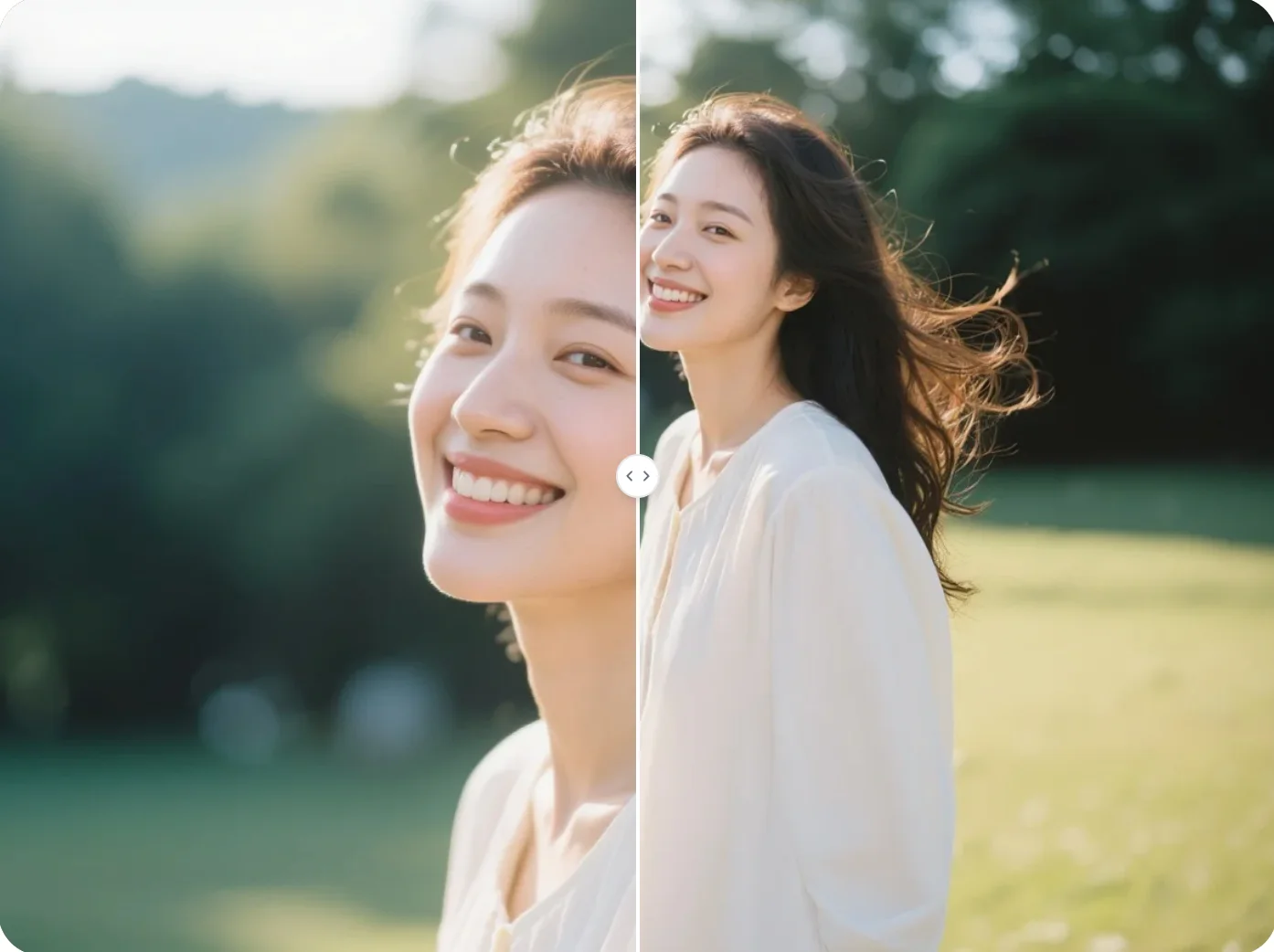
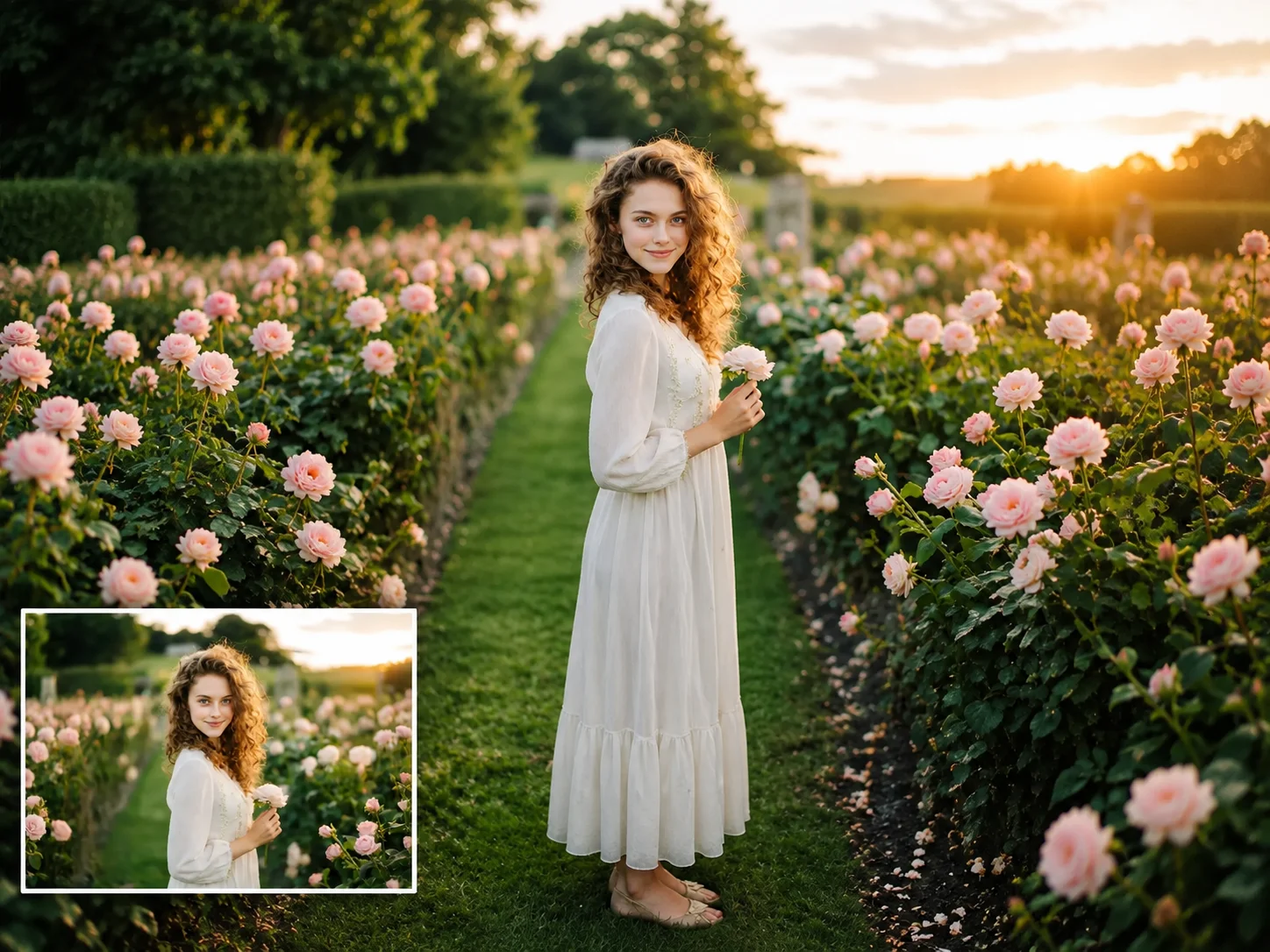
AI Image Extender uses advanced outpainting technology to generate realistic backgrounds that blend naturally with your original photo. Unlike basic resizing tools, Qimg AI analyzes colors, textures, and patterns to create smooth transitions without awkward seams or distortions.
Lossless Quality Expansion for Any Project
Qimg AI extends your image without touching the original pixels, keeping your main subject crisp and detailed. The newly generated areas are created in high resolution to match your original upload, perfect for social media, websites, or printing.
Flexible Aspect Ratios for Any Platform
With Qimg AI, you can resize images to fit any format—16:9, 9:16, 4:3, 1:1, and more. This flexibility makes it easy to adapt your photos for different platforms without cropping out important details.
Who Use Qimg AI
Creators
Create visuals faster without design skills. Turn ideas into images, thumbnails, social posts, and creative assets in seconds.
Designers
Accelerate your creative workflow. Use Qimg AI to generate concepts, references, and visual directions, then refine them into production-ready designs.
Marketers
Produce high-converting visuals on demand. Create ads, campaign visuals, and branded images quickly.
FAQs about AI Image Extender
AI Image Extender is an online tool that uses artificial intelligence to expand the boundaries of your image. It generates new pixels that seamlessly blend with the original photo, allowing you to uncrop images or change aspect ratios without stretching or distorting the content.
AI outpainting technology analyzes the context, lighting, colors, and style of your existing image. It then predicts and generates coherent new content to fill the extended canvas, ensuring the new parts look like a natural continuation of the original photo.
No. The AI extends your image without modifying the original pixels, so your main subject remains crisp. The newly generated parts are created in high resolution to match the quality of your original upload.
AI Image Extender supports multiple aspect ratios including 16:9, 9:16, 4:3, 3:4, 1:1, and custom dimensions. This makes it easy to adapt images for social media, websites, banners, or print projects.
No. The tool is fully automatic. Simply upload your image, select your desired canvas size, and the AI handles the entire expansion process without any manual adjustments.
Discover More on Qimg AI
Qimg AI is your go-to AI image toolkit for generating, editing, and enhancing photos and artwork.

AI Image Extender
Upload your image and let AI extend it beyond the original boundaries. Expand backgrounds, change aspect ratios, and get high-quality results instantly.