
Note: Auto only supports 1K. 1:1 does not support 4K.
Make Image Square Without Losing Important Parts of Your Photo
A 1:1 square is what social posts, avatars, product listings, and design platforms expect. Qimg AI helps make image square by expanding the canvas — keeping the original composition intact.
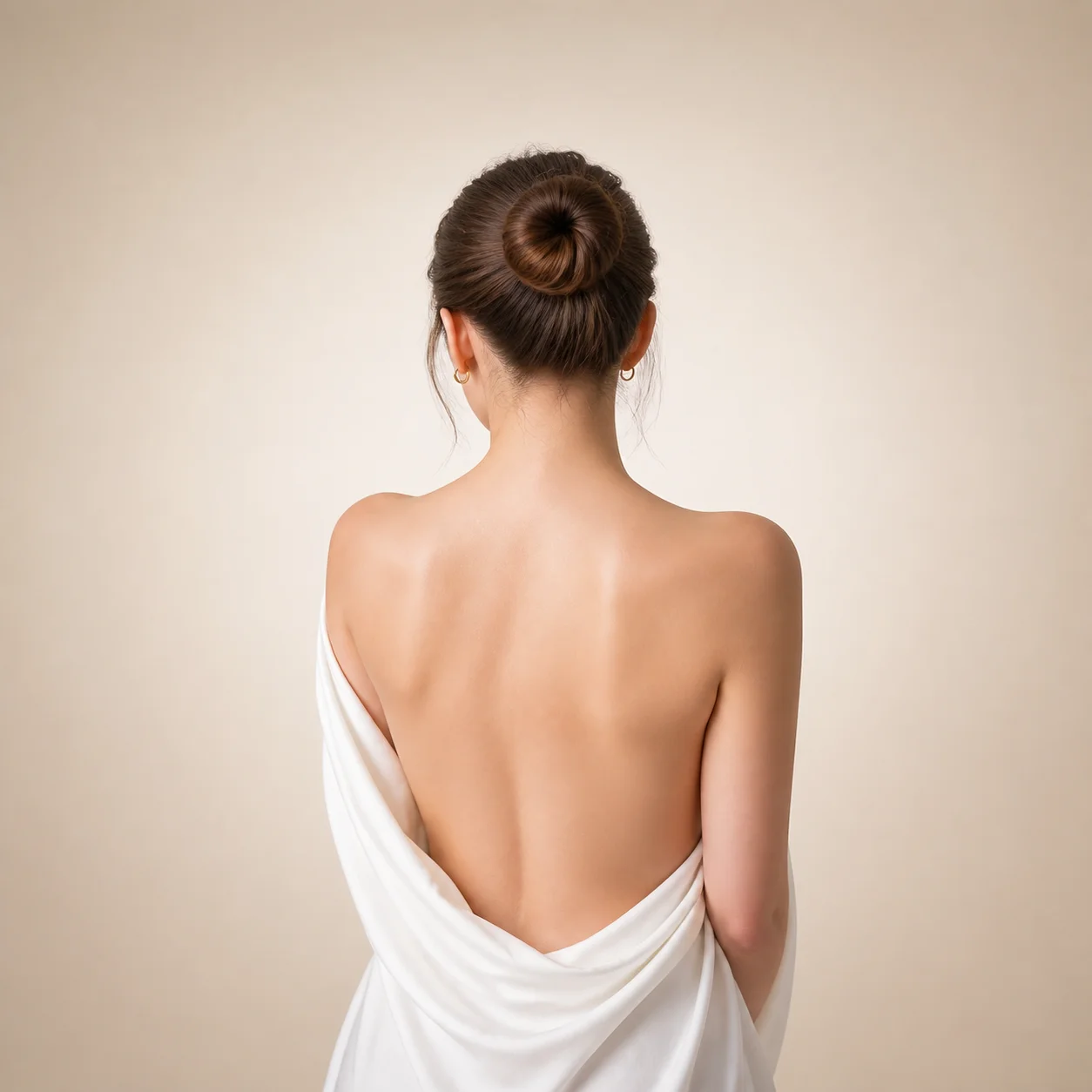
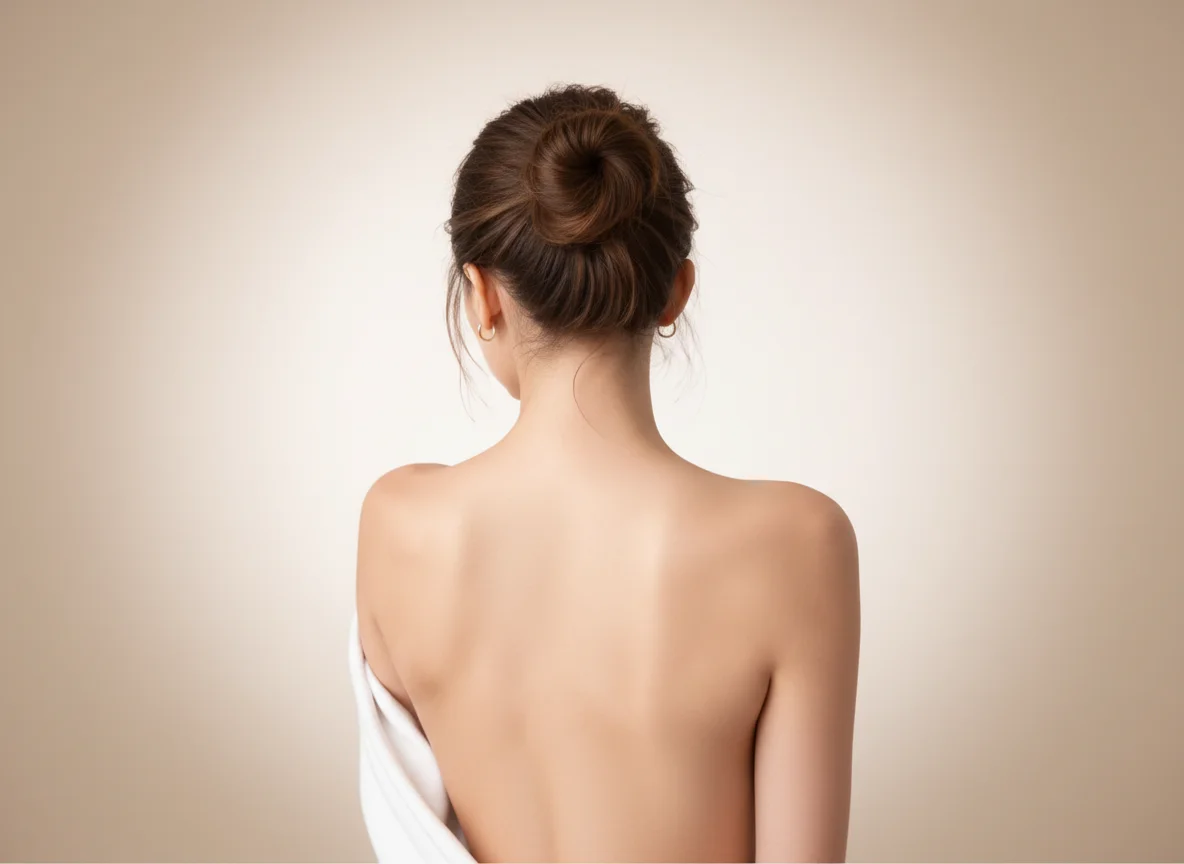
How to Make an Image Square Without Cropping?
Upload the photo you want to make square
Choose any landscape or portrait image. The tool works with photos, product images, social media pictures, and digital artwork.
Let Qimg AI make the image square
Qimg AI converts the image into a square format while preserving the important elements in the original photo whenever possible.
Download your square image
Preview the result and save the square version for social media, online stores, profile photos, or other projects.
Why Use Qimg AI to Make Image Square?
Make image square without cutting off important details
Traditional cropping often removes parts of the image that matter most. Faces can be clipped, products can lose edges, and text can become unreadable.
Make a square image for social media without redesigning everything
Many creators discover formatting issues only after uploading their content. What looks fine in a gallery may appear cropped in a feed or thumbnail.
Convert existing photos instead of creating new ones
Retaking a photo just to fit a square format is rarely practical. Product photos, travel images, marketing assets, and customer-generated content may not be available again.
Why You Choose Qimg AI?
Creators
Create visuals faster without design skills. Turn ideas into images, thumbnails, social posts, and creative assets in seconds.
Designers
Accelerate your creative workflow. Use Qimg AI to generate concepts, references, and visual directions, then refine them into production-ready designs.
Marketers
Produce high-converting visuals on demand. Create ads, campaign visuals, and branded images quickly.
FAQs About Making an Image Square
No. Qimg AI generates a separate square version while keeping the original image unchanged.
Yes. Qimg AI is designed to help convert photos into a square format while preserving as much important content as possible. Results depend on the structure of the original image.
You can make square images from portraits, landscapes, product photos, social media images, illustrations, and many other image types.
Yes. Many users create square images for profile photos, Instagram posts, marketplace listings, team directories, and online portfolios.
Discover More on Qimg AI
Qimg AI is your go-to AI image toolkit for generating, editing, and enhancing photos and artwork.
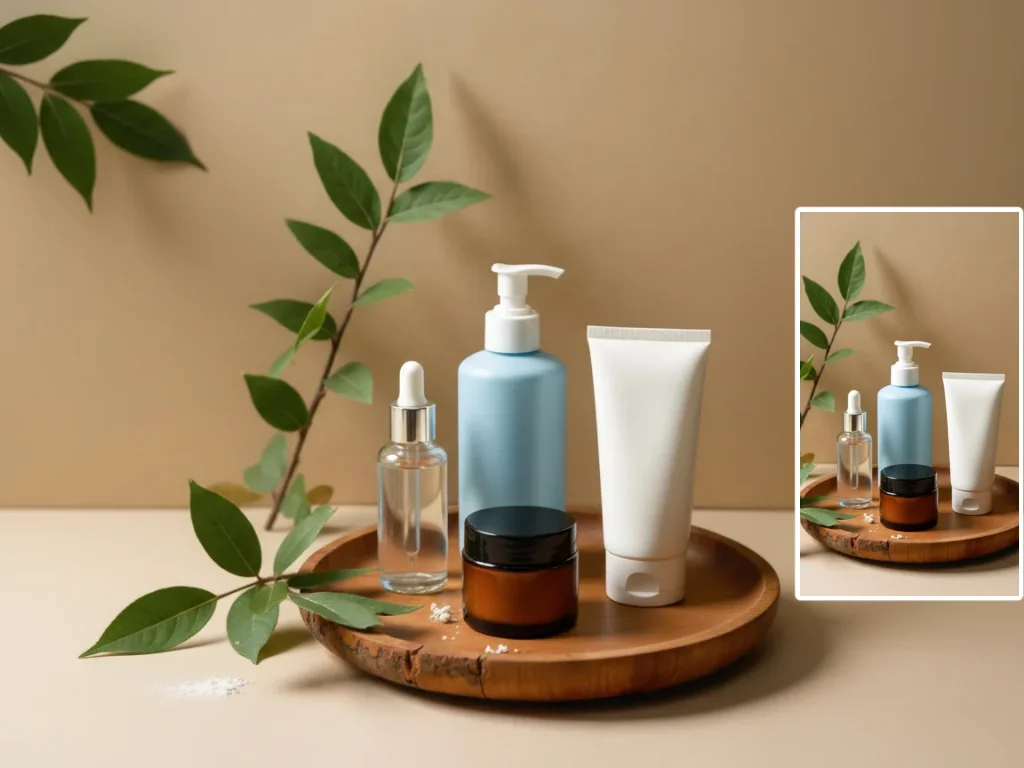
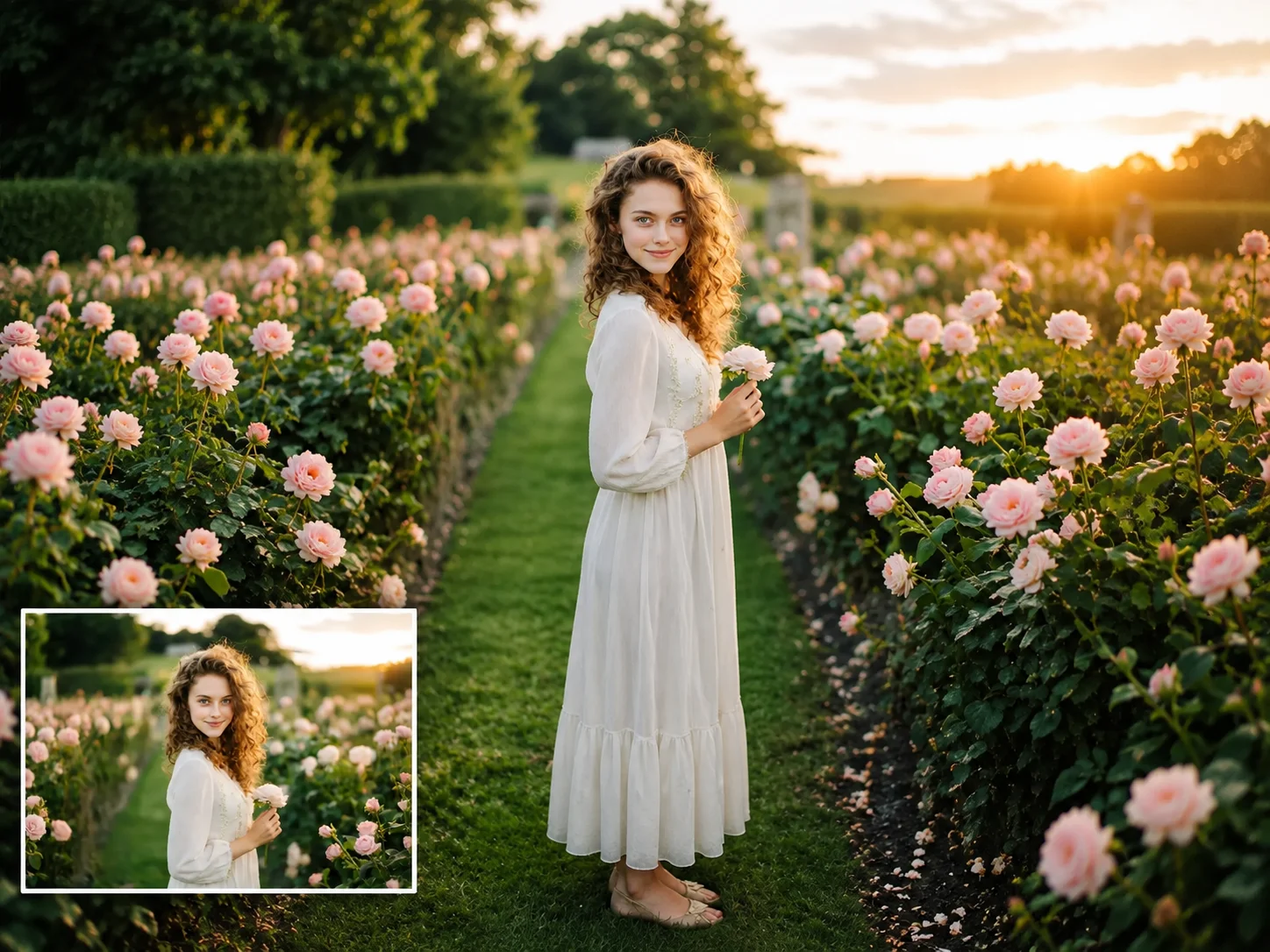
Make Image Square Online: Convert Photos to a Square Format
Make image square without cropping important content. Convert landscape or portrait photos into square images for social media, profile pictures, product photos, and more.