
Note: Auto only supports 1K. 1:1 does not support 4K.
Zoom Out Photo
The zoom-out function works for wide shots, background images, and any photo where context matters.


How to Zoom a Photo Out Online
Upload a photo to zoom out
Add any photo from your device. JPG and PNG formats are supported, so resizing is simple and fast.
Adjust zoom levels to view the full image
Use the zoom-out slider or pinch gestures to step back and see more of the photo. This helps inspect composition and spacing.
Save or use the zoomed-out photo
Preview the result and download or export the photo for presentations, design layouts, or social media use.
How Can Zoom Out Photo Help You See More
Zoom out photos without losing context
Enlarging the visible area often distorts or crops details. Zoom Out Photo keeps the balance so you can see the full scene clearly.
Inspect wide shots for better editing decisions
Seeing the entire photo at once makes it easier to identify areas for cropping, adjustments, or retouching.
Handle large images comfortably
Even high-resolution photos can be zoomed out without losing control, preventing crashes or slowdowns common with other tools.
Who Use Qimg AI
Creators
Create visuals faster without design skills. Turn ideas into images, thumbnails, social posts, and creative assets in seconds.
Designers
Accelerate your creative workflow. Use Qimg AI to generate concepts, references, and visual directions, then refine them into production-ready designs.
Marketers
Produce high-converting visuals on demand. Create ads, campaign visuals, and branded images quickly.
FAQs About Zoom Out Photo
Upload a photo, adjust the zoom-out slider or use pinch gestures, and inspect the full image.
Yes, background images, wide shots, and layered graphics can all be zoomed out to check spacing, alignment, and overall layout.
Zooming out slightly enlarges the viewable area but keeps main details readable, avoiding distortion or unnecessary cropping.
Yes. Zoom Out Photo runs in the browser and works across desktops, tablets, and Chromebooks without additional apps.
The export keeps the original format, typically JPG or PNG, so the zoomed-out photo can be reused right away in presentations or social posts.
Discover More on Qimg AI
Qimg AI is your go-to AI image toolkit for generating, editing, and enhancing photos and artwork.

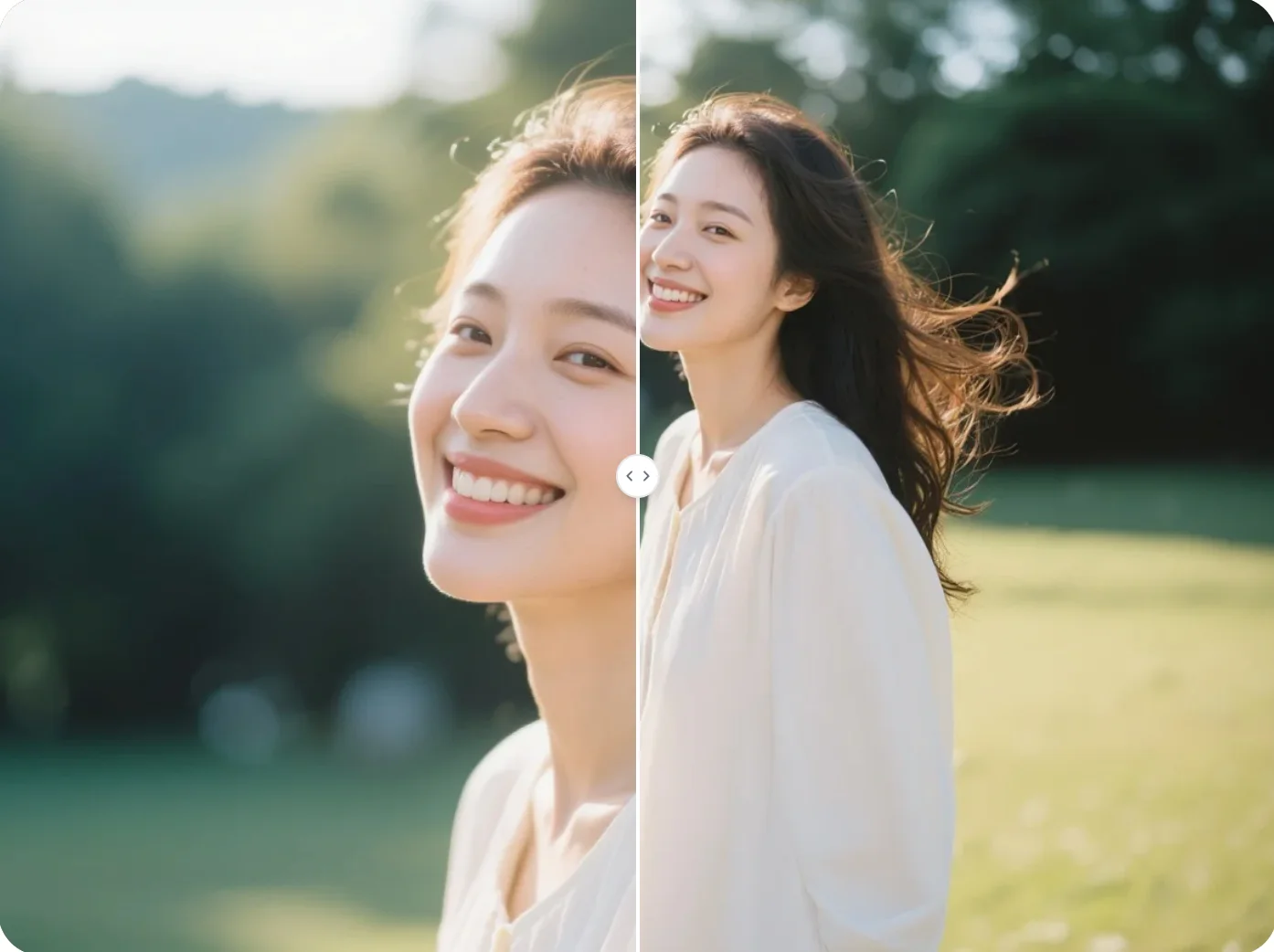
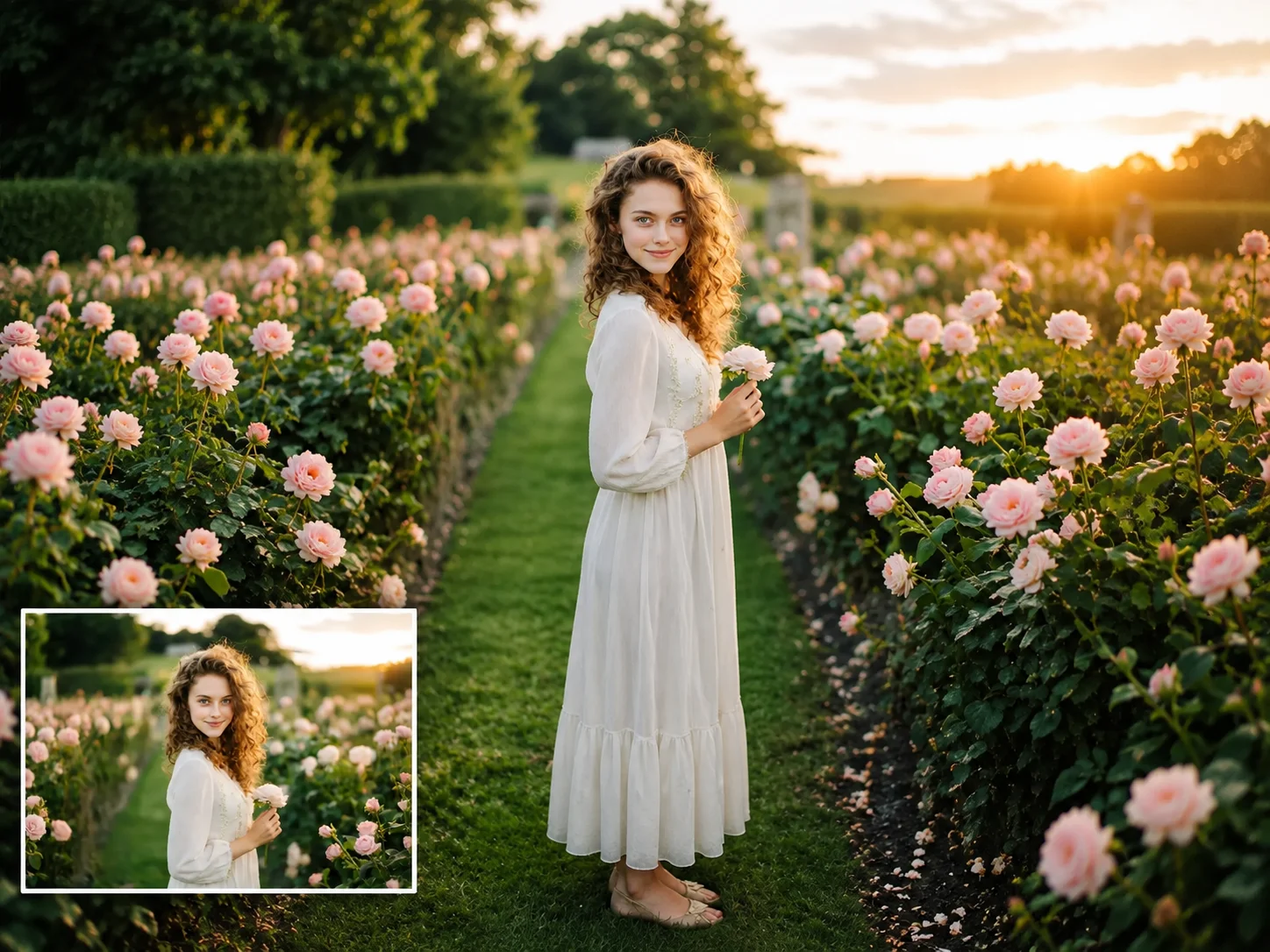
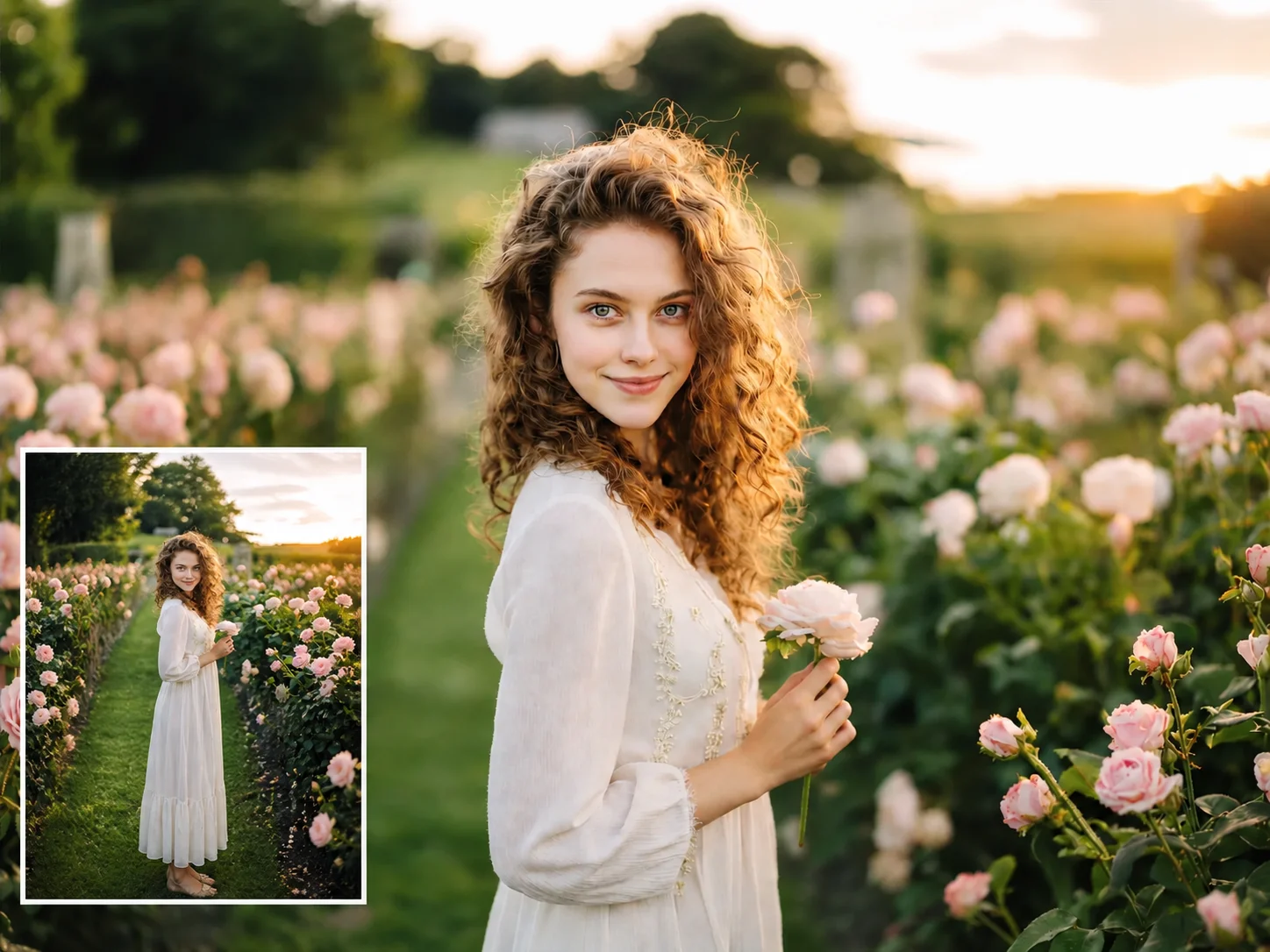
Zoom Out a Photo Online Free
Need to zoom out a photo without losing context? Qimg AI lets you view the full picture, adjust composition, and zoom out photos directly in your browser.