
Note: Auto only supports 1K. 1:1 does not support 4K.
Landscape to Portrait Converter
Need to convert a landscape photo to portrait? Qimg AI helps adjust image orientation, reframe content, and keep key details when switching from landscape to portrait.
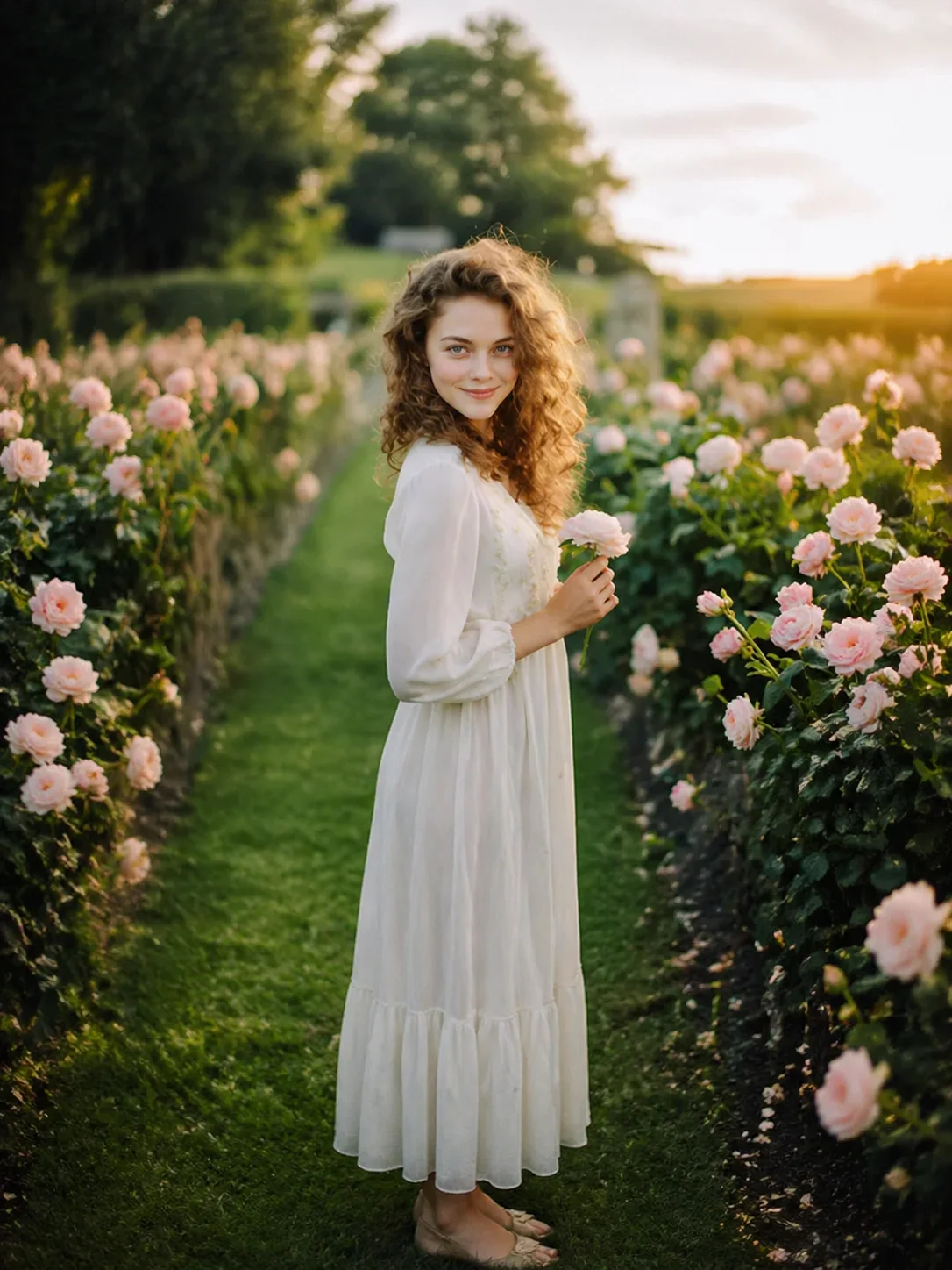
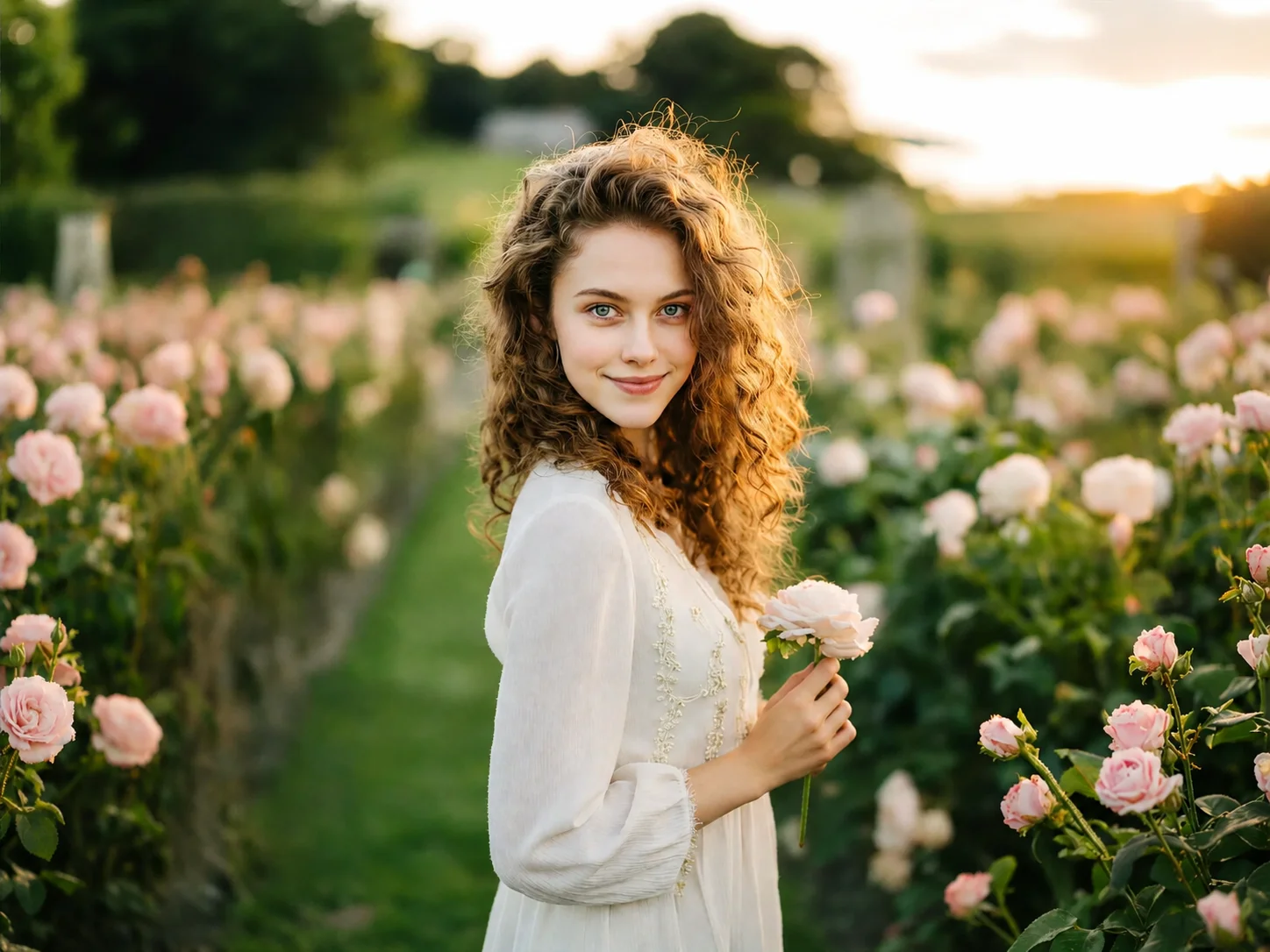
How to Convert a Landscape Photo to Portrait
Upload a landscape photo to convert
Add a wide image from your device. Landscape photos with multiple subjects or backgrounds work well for reframing.
Adjust framing when converting landscape to portrait
Move and scale the image to decide what stays in the frame. This step helps avoid cutting off faces, objects, or key details.
Download the portrait version of the photo
Preview the new layout and export the portrait image for mobile use, social posts, or vertical designs.
Why Use a Landscape to Portrait Converter
Convert landscape photo to portrait without cutting off subjects
A common issue when switching formats is losing important parts of the image. Faces near the edges or objects in the background often get cropped out. Using a landscape to portrait converter makes it easier to reposition the frame so the main subject stays visible instead of being cut in half.
Reframe photos for mobile and vertical screens
Most platforms today favor vertical images. Landscape photos don't fit well on mobile screens and often appear too small or awkward. By converting landscape to portrait, images take up more space on the screen and are easier to view without zooming.
Fix composition when the original photo feels too wide
Some photos look empty on the sides or have too much background. This makes the subject feel distant or less focused. Changing to a portrait layout helps tighten the composition and brings attention back to the main subject.
Who Use Qimg AI
Creators
Create visuals faster without design skills. Turn ideas into images, thumbnails, social posts, and creative assets in seconds.
Designers
Accelerate your creative workflow. Use Qimg AI to generate concepts, references, and visual directions, then refine them into production-ready designs.
Marketers
Produce high-converting visuals on demand. Create ads, campaign visuals, and branded images quickly.
FAQs About Landscape to Portrait
It changes a wide image into a vertical format by adjusting framing and layout instead of simply cropping randomly.
Upload the image, adjust the frame to keep important parts visible, and export the new portrait version.
Some cropping may happen, but proper framing helps keep key subjects instead of removing them blindly.
Yes. Qimg AI runs in the browser, so converting landscape to portrait works across devices without installing software.
Common portrait ratios include 4:5, 9:16, and 3:4. Pick the ratio that matches the platform you're posting to for the best fit.
Discover More on Qimg AI
Qimg AI is your go-to AI image toolkit for generating, editing, and enhancing photos and artwork.
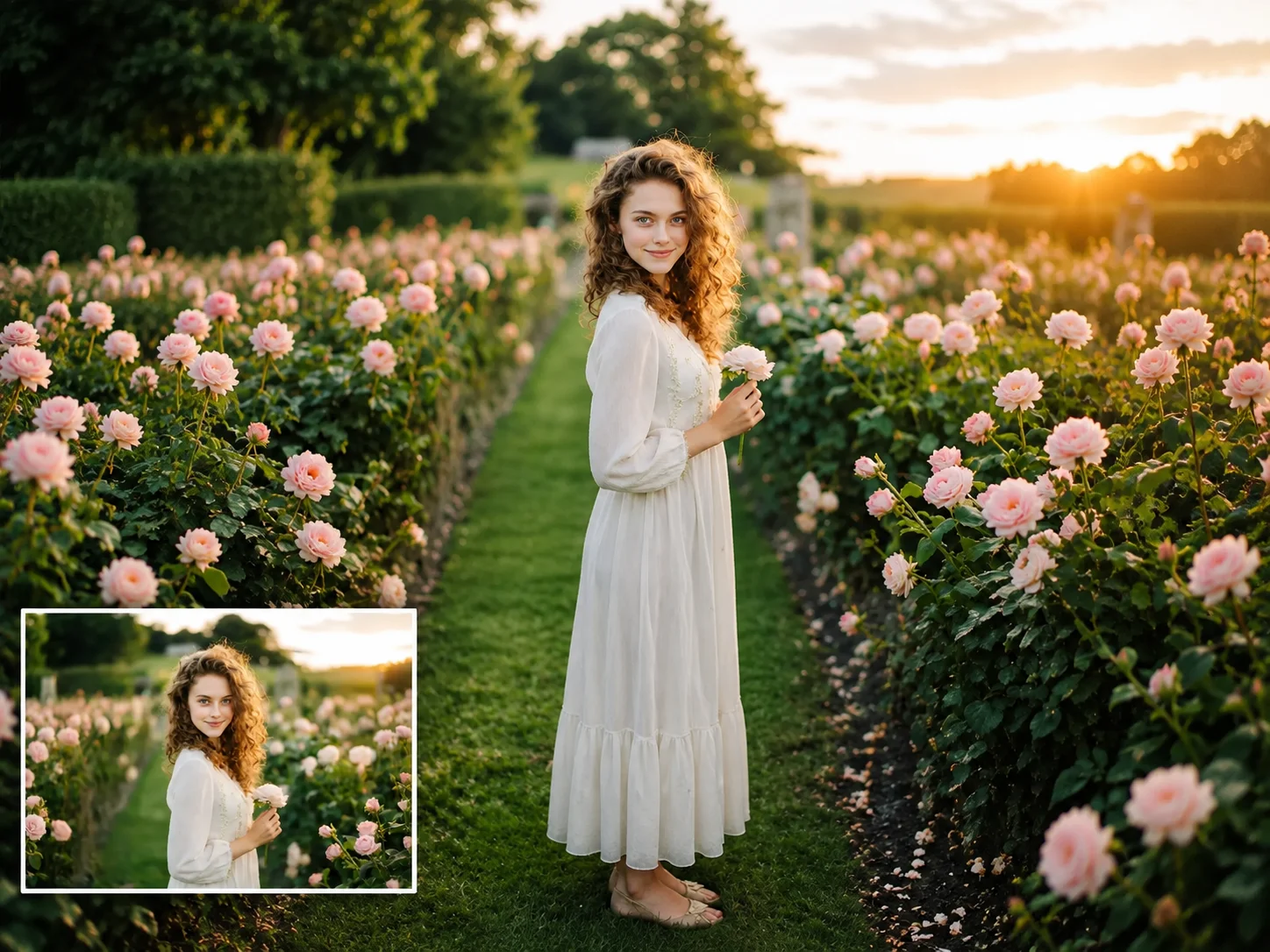
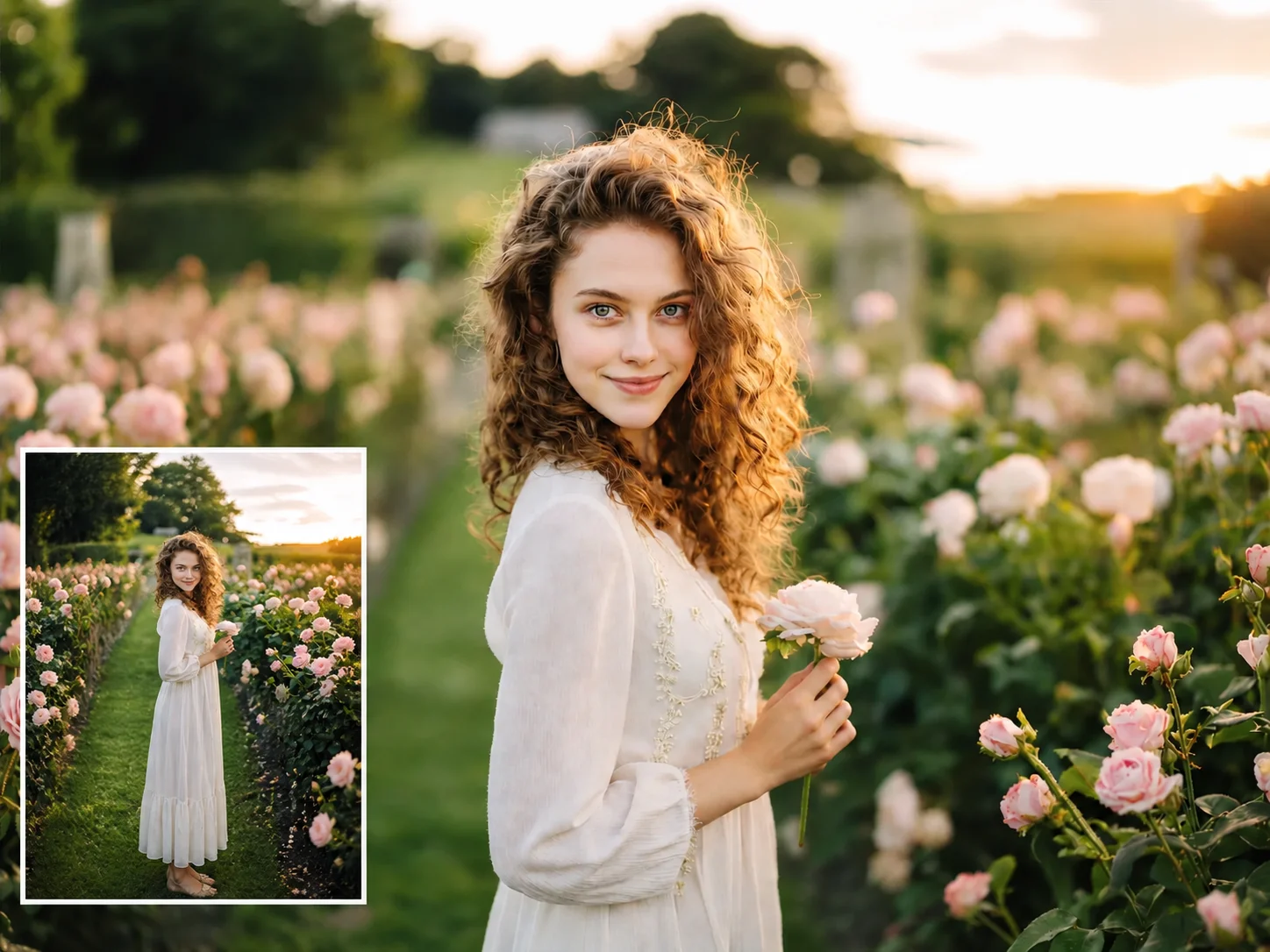

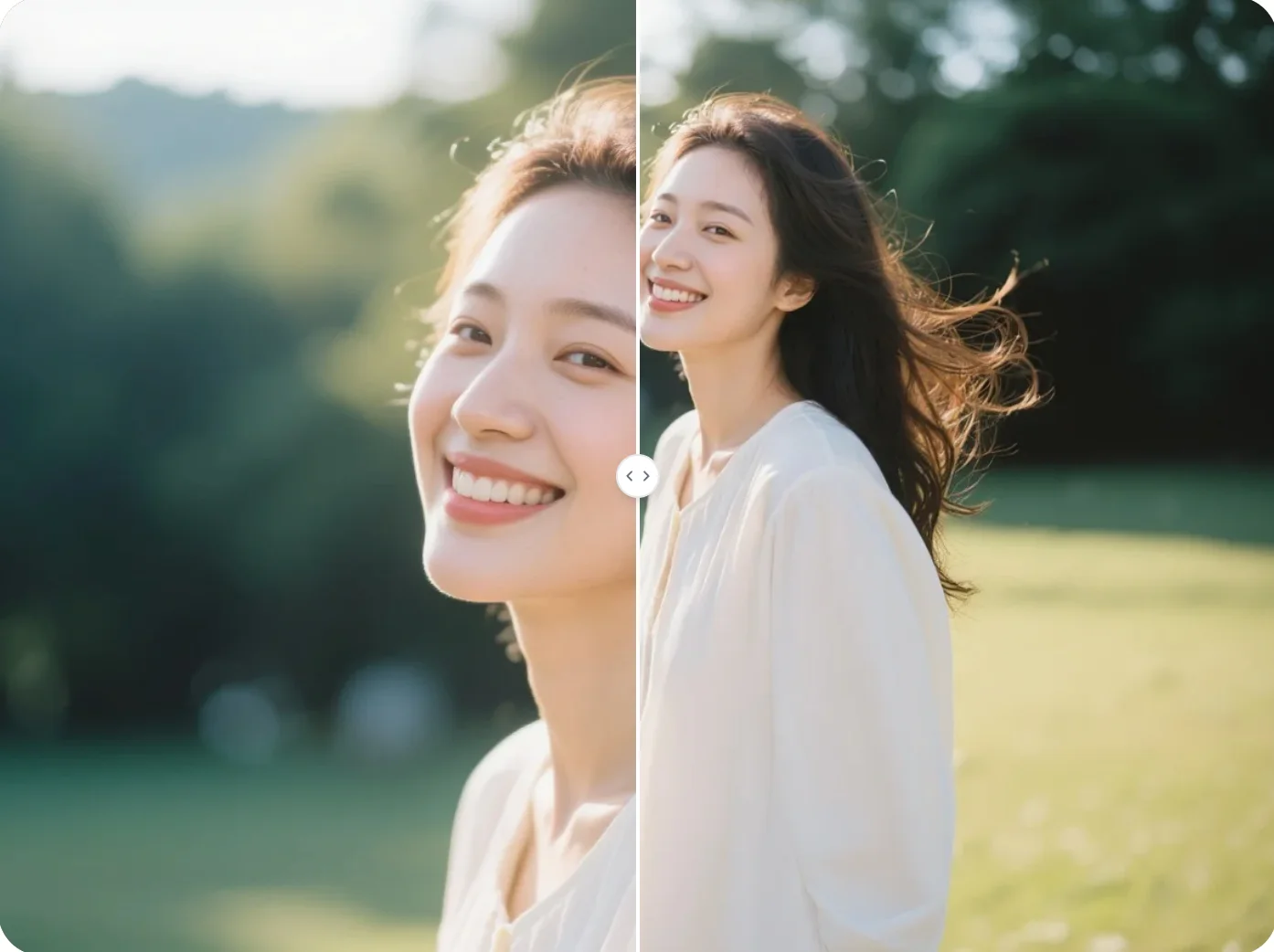
Landscape to Portrait Converter
Converting a landscape photo to portrait often cuts off important parts of the image. Qimg AI helps reframe the photo so the subject stays visible. The tool is useful when adapting images for mobile screens, social media, or vertical layouts where space is limited.