
Note: Auto only supports 1K. 1:1 does not support 4K.
AI Uncrop Image
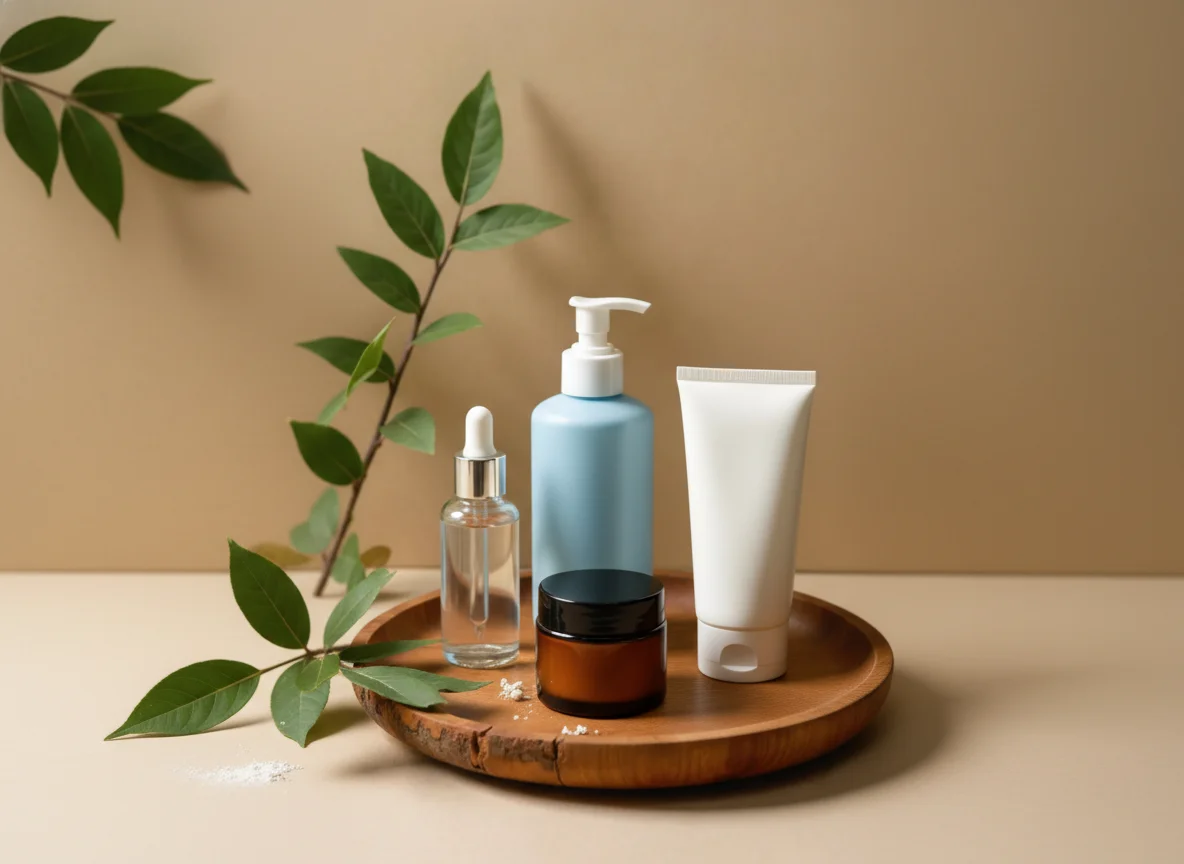
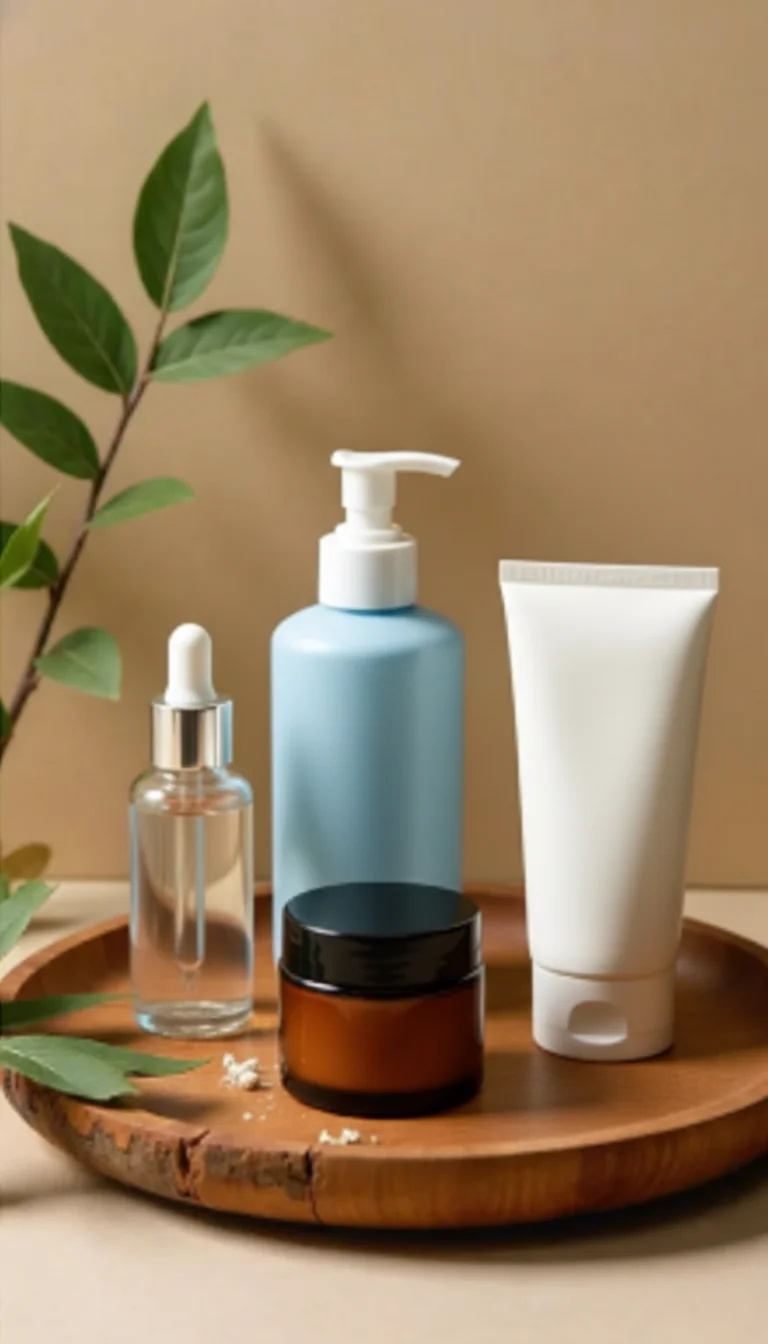
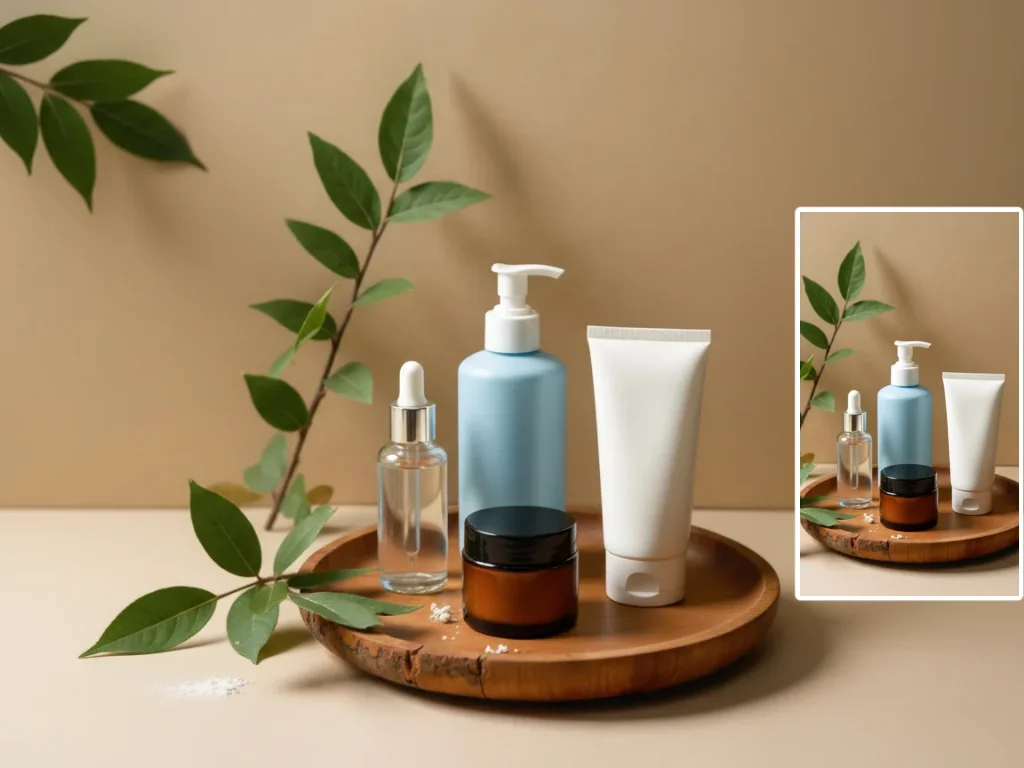
Upload a photo and expand the canvas in any direction. AI fills the new areas naturally so your image looks wider, taller, or better framed.
How to Use AI Uncrop Image
Upload
Upload the photo you want to expand. For best results, use an image with clear edges, visible textures, and enough scene context for Qimg AI to understand.
Generate
Choose a preset aspect ratio or drag the canvas borders to expand left, right, top, bottom, or all sides. Qimg AI will generate matching content around the original image.
Download
Preview the uncropped result, refine the expansion if needed, and download your high-resolution image for social media, prints, banners, thumbnails, or presentations.
Why Choose AI Uncrop Image
Seamless AI Expansion Beyond the Original Frame
Qimg AI analyzes the colors, lighting, textures, and scene context in your photo, then generates new pixels beyond the original frame. The expanded areas blend naturally instead of looking stretched or mirrored.
Resize Photos Without Cropping Important Details
Turn portrait images into landscape banners, square posts into vertical formats, or tight crops into balanced compositions. Qimg AI helps you fit different platforms without cutting out key subjects.
Flexible Direction and Aspect Ratio Control
Expand only the top, bottom, left, right, or all sides at once. With Qimg AI, you can guide the final canvas size for thumbnails, social posts, product images, wallpapers, or print layouts.
Who Use Qimg AI
Creators
Create visuals faster without design skills. Turn ideas into images, thumbnails, social posts, and creative assets in seconds.
Designers
Accelerate your creative workflow. Use Qimg AI to generate concepts, references, and visual directions, then refine them into production-ready designs.
Marketers
Produce high-converting visuals on demand. Create ads, campaign visuals, and branded images quickly.
FAQs about AI Uncrop Image
AI uncrop image means expanding a photo beyond its original borders. Qimg AI uses generative fill to create new visual content around the edges so the image looks naturally wider or taller.
Qimg AI studies the existing pixels, lighting, patterns, and scene context, then predicts and generates matching content in the new empty space.
Yes. You can expand an image upward, downward, left, right, or in all directions. Qimg AI can also help adjust photos to common aspect ratios for different platforms.
Qimg AI is designed to generate new areas that match the original photo's style, colors, lighting, and texture. Clear photos with strong scene context usually produce the most natural results.
No. Upload your image, choose the new size or direction, generate the expanded result, and download it. Qimg AI handles the generative fill process for you.
Discover More on Qimg AI
Qimg AI is your go-to AI image toolkit for generating, editing, and enhancing photos and artwork.
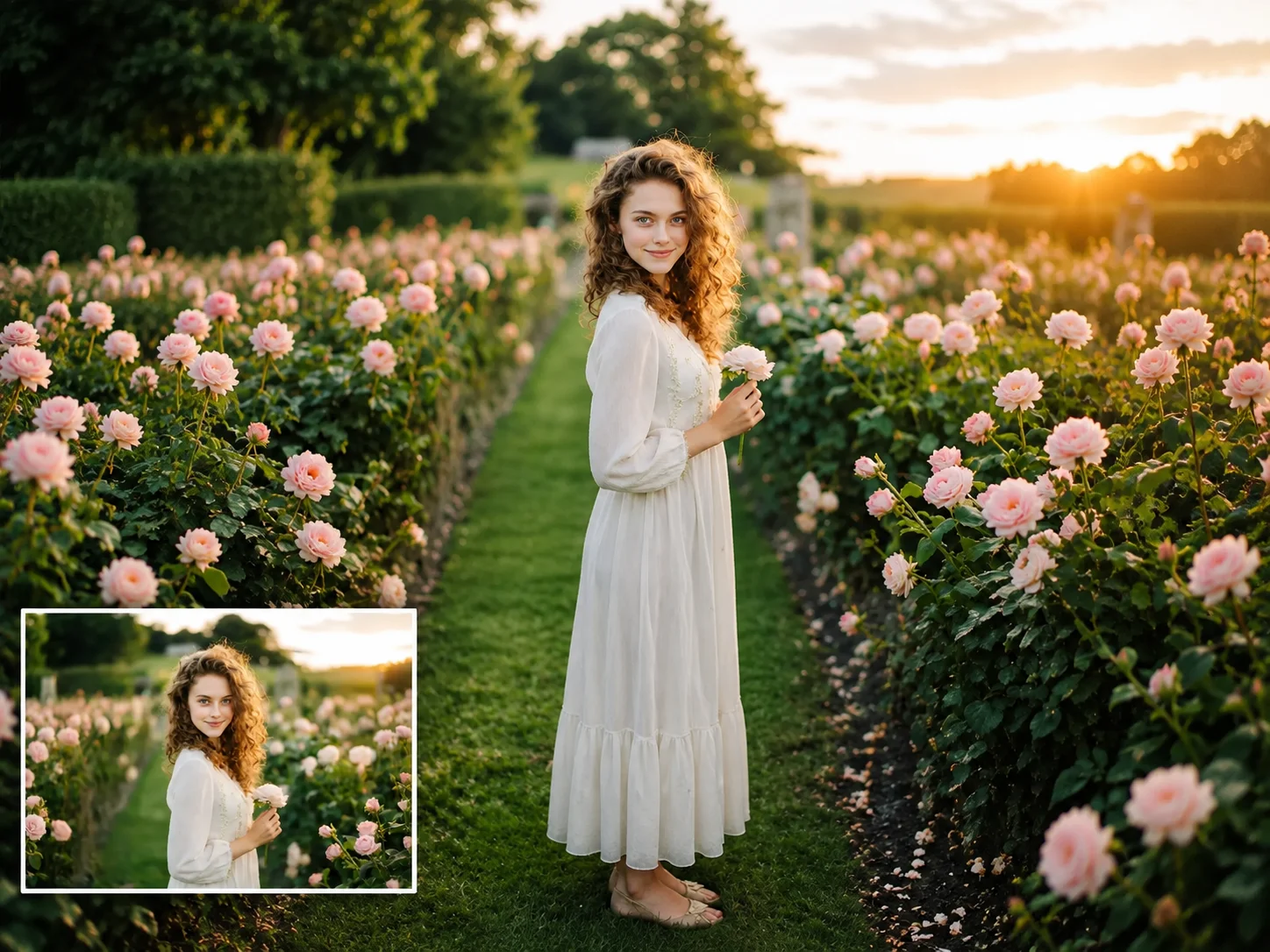
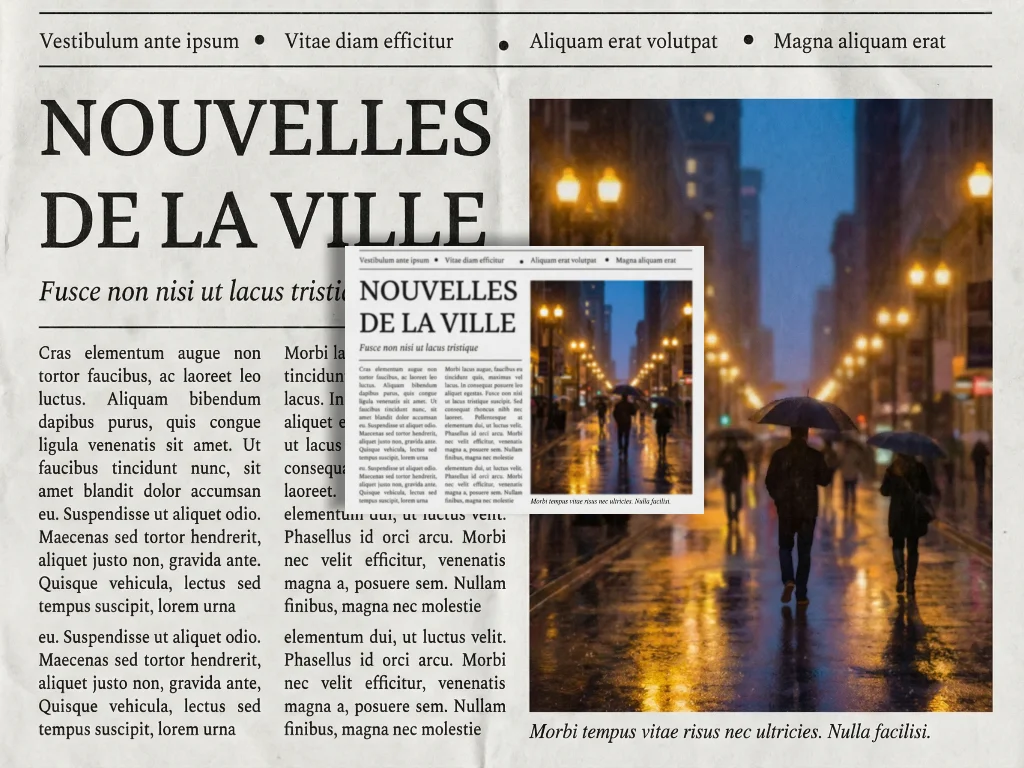
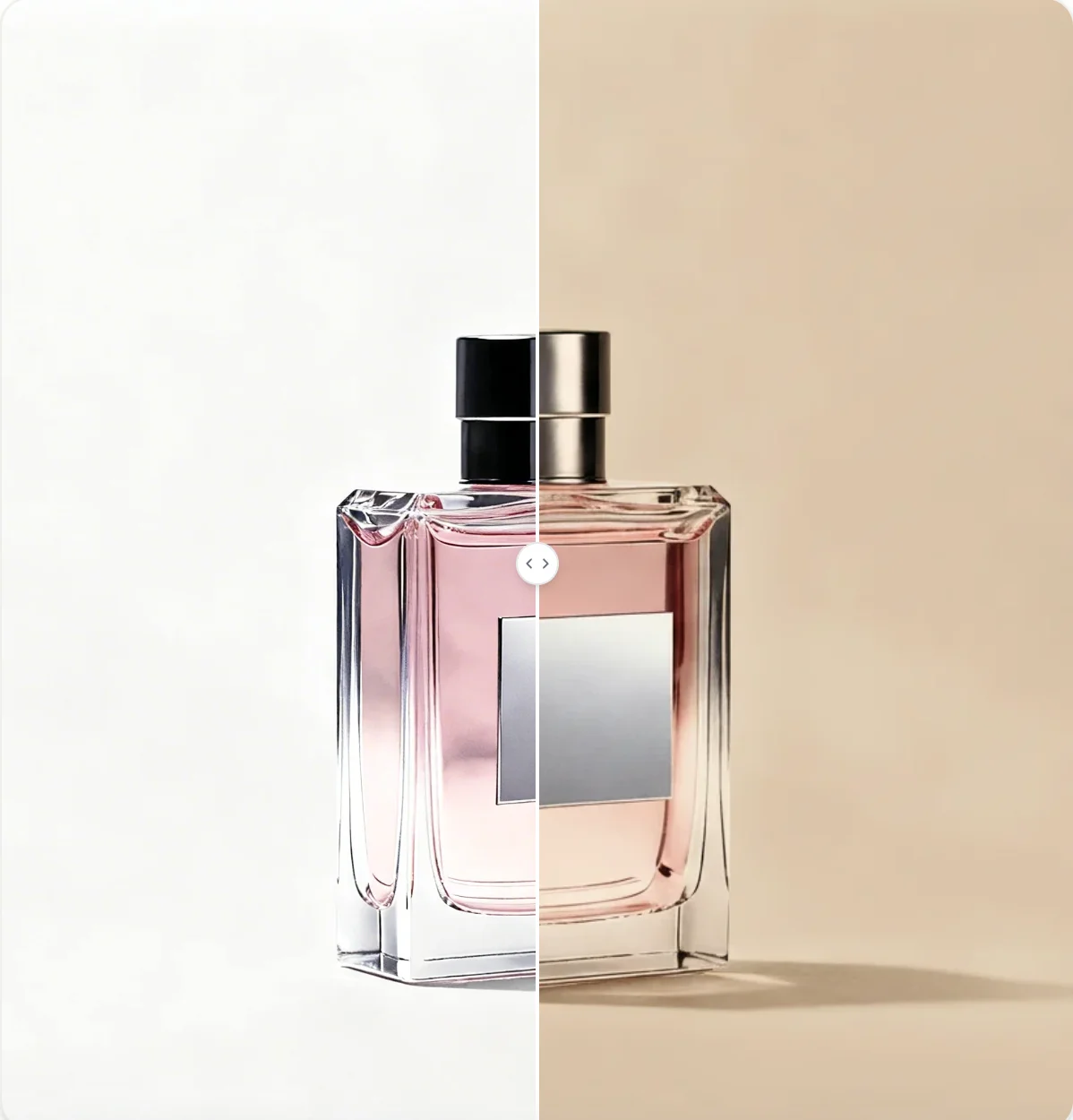
AI Uncrop Image
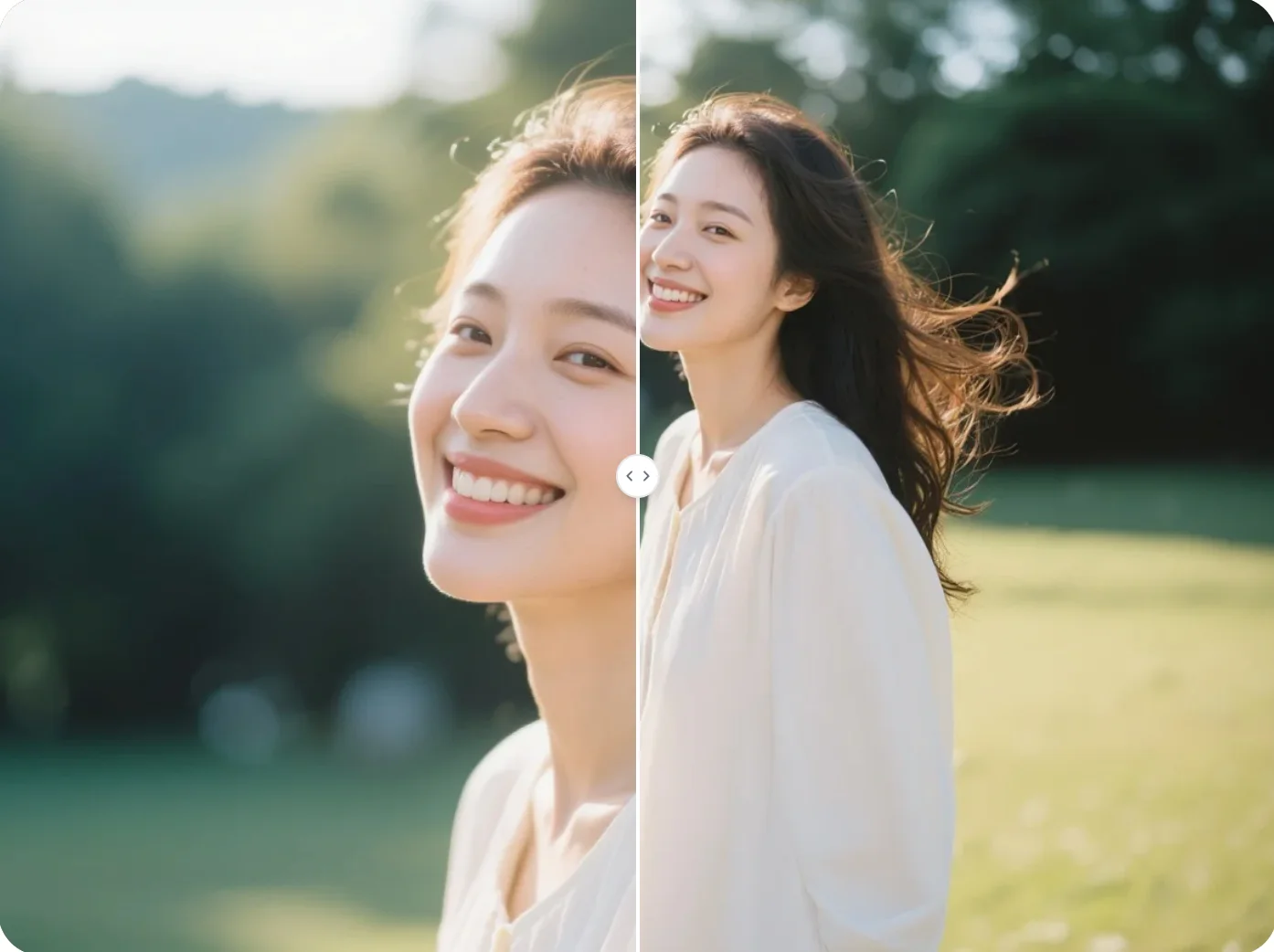
Upload your photo and let Qimg AI expand the canvas naturally. Fix tight crops, change aspect ratios, and create more space around your image.