
Note: Auto only supports 1K. 1:1 does not support 4K.
Create a Selfie with Celebrity
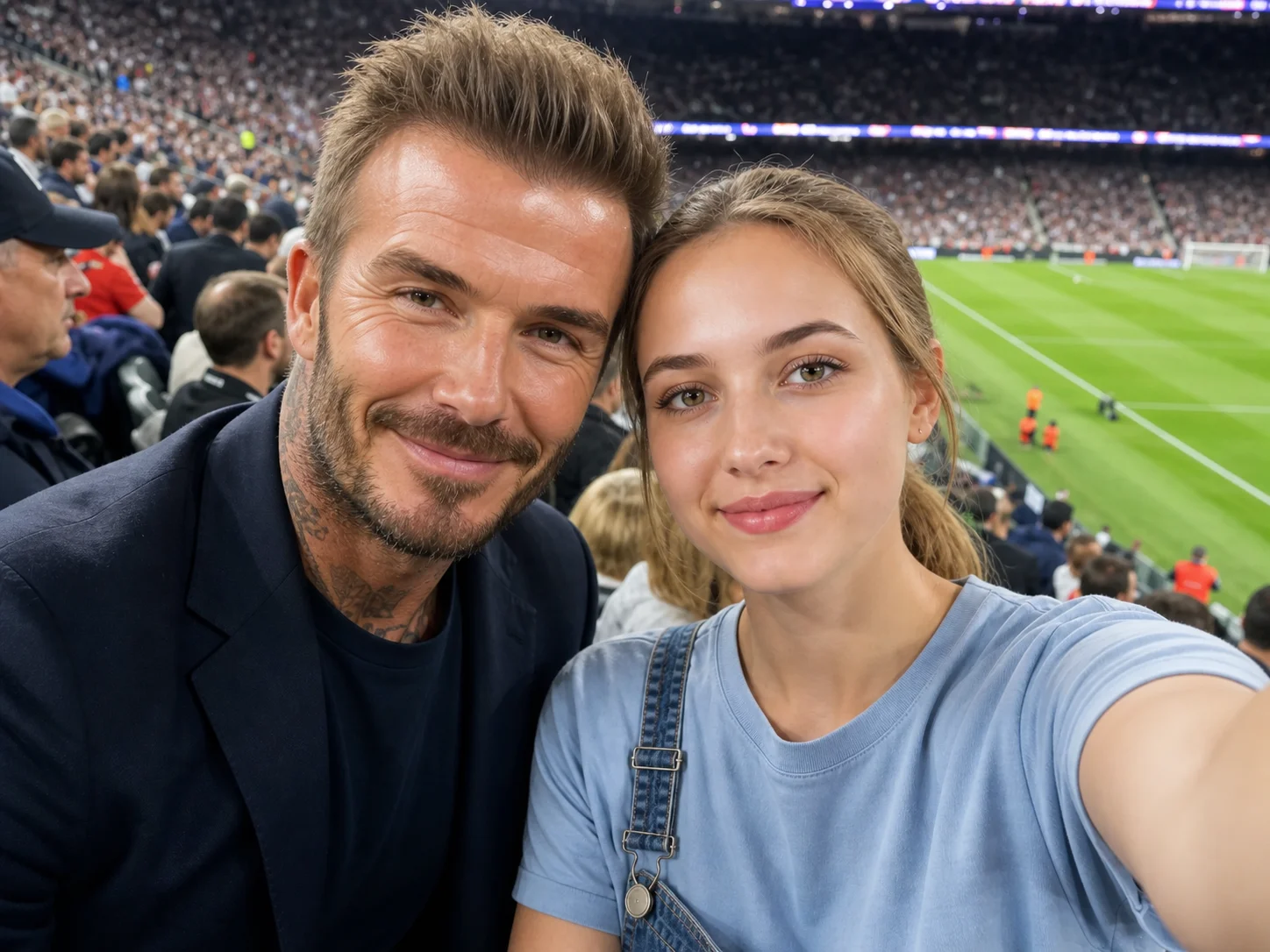
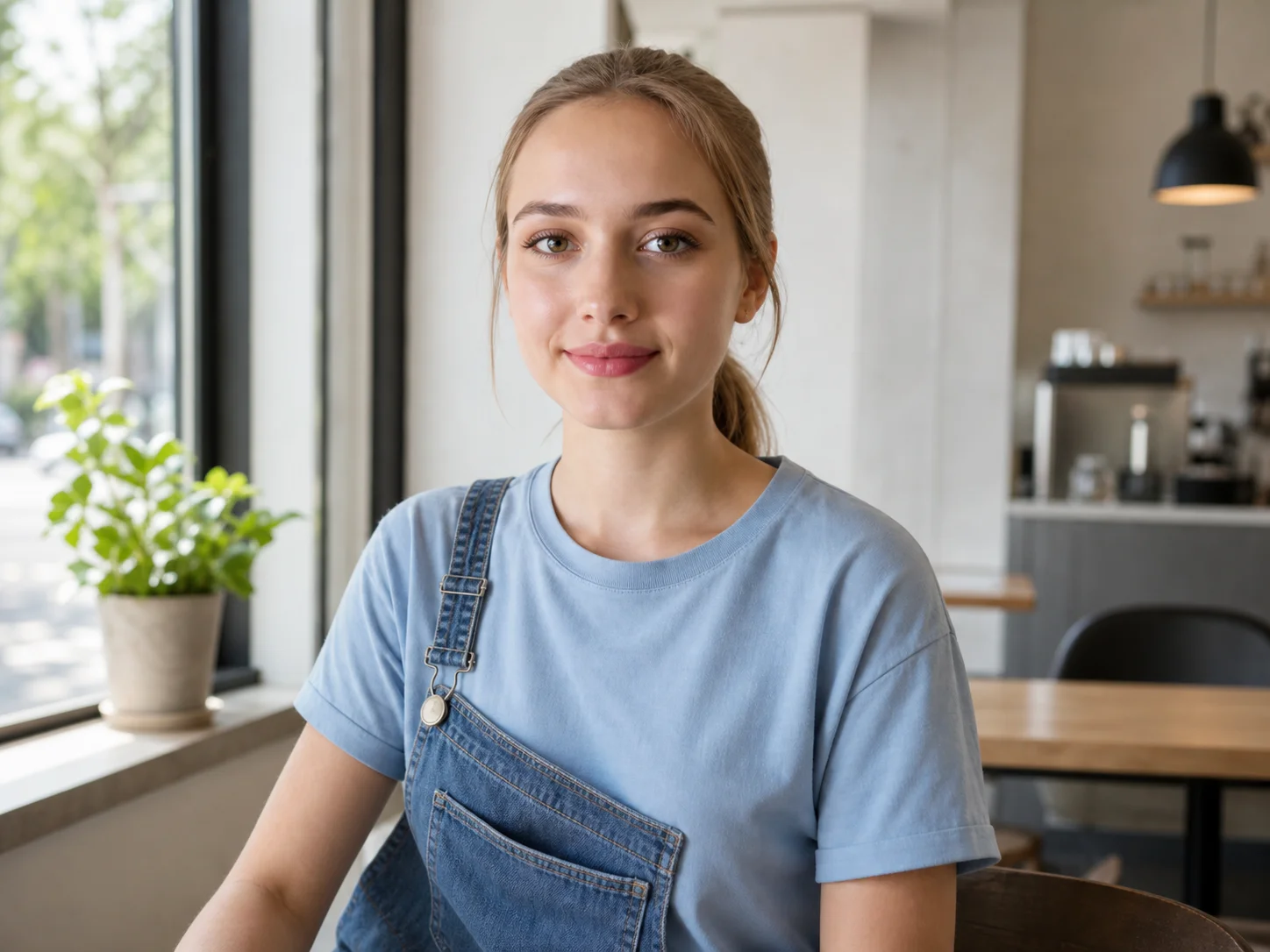
Upload your portrait and a clear celebrity reference, then describe the setting or pose. Generate a close, natural-looking selfie that keeps both people recognizable.
How to Create a Selfie with Celebrity
Upload Photos
Upload a clear portrait of yourself and a clear celebrity reference. Front-facing photos with visible facial features and balanced lighting work best.
Generate
Describe the desired location, pose, expression, and atmosphere, then generate a shared selfie with consistent perspective and lighting.
Download
Review the result and download the finished image for fan edits, profile pictures, or social posts.
Why Choose Our Selfie with Celebrity Generator
Preserve Both Identities
The generator focuses on recognizable facial features, hairstyles, skin tones, and expressions from both reference photos while composing a new shared scene.
Natural Smartphone Perspective
Close camera distance, casual posing, realistic spacing, and matched lighting help the result read like a genuine handheld selfie instead of a pasted collage.
Customize the Scene
Describe a football stadium, red carpet, backstage area, or casual street scene to control the location, mood, pose, and expression.
Who Use Qimg AI
Creators
Create memorable fan edits, profile images, and social posts from two portrait references without manually compositing faces and backgrounds.
Designers
Explore celebrity-inspired compositions, event settings, and selfie perspectives as fast visual concepts for entertainment projects.
Marketers
Develop playful campaign concepts and attention-grabbing social visuals built around recognizable selfie-style compositions.
FAQs about Selfie with Celebrity
Upload your portrait and a celebrity reference photo. The generator uses both images and your instructions to compose a new selfie-style scene where both people appear together naturally.
Use clear, well-lit portraits with visible faces and minimal blur. Front-facing or slight three-quarter angles usually preserve identity more consistently.
Yes. Upload the celebrity reference you want to use and describe the location, pose, expression, lighting, and overall mood in your instructions.
The model creates a new shared scene, so pose, clothing, background, and lighting may be adjusted to make the selfie coherent. Clear source images improve consistency.
Yes. Open the tool in a modern mobile browser, upload both references, enter your instructions, and generate the image directly from your phone or tablet.
Discover More on Qimg AI
Qimg AI is your go-to AI image toolkit for generating, editing, and enhancing photos and artwork.
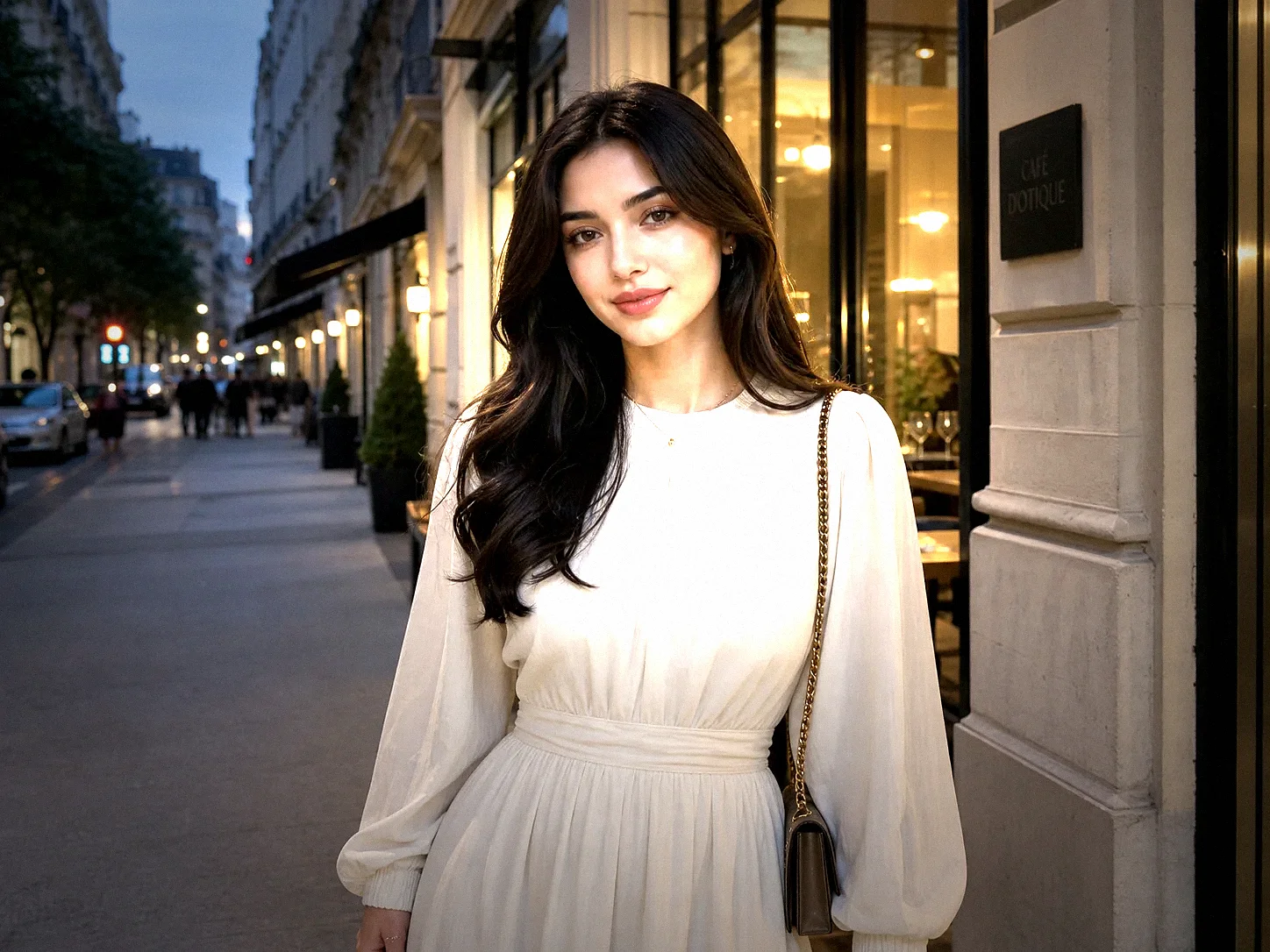
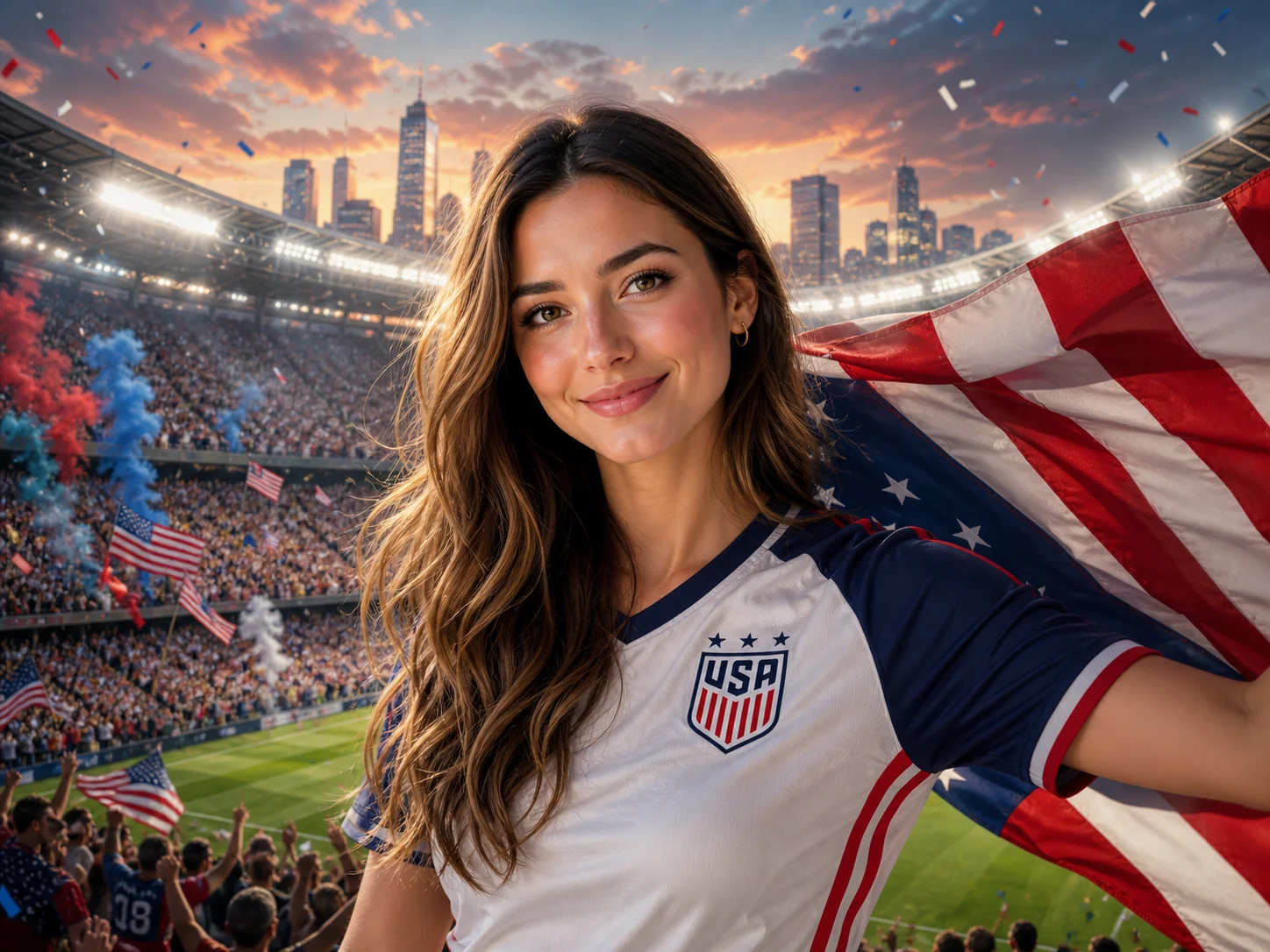
Create Your Selfie with Celebrity
Upload two clear portraits and turn your imagined celebrity moment into a natural-looking shared selfie.