
Note: Auto only supports 1K. 1:1 does not support 4K.
Spider Filter: Add a Realistic Spider to Your Face
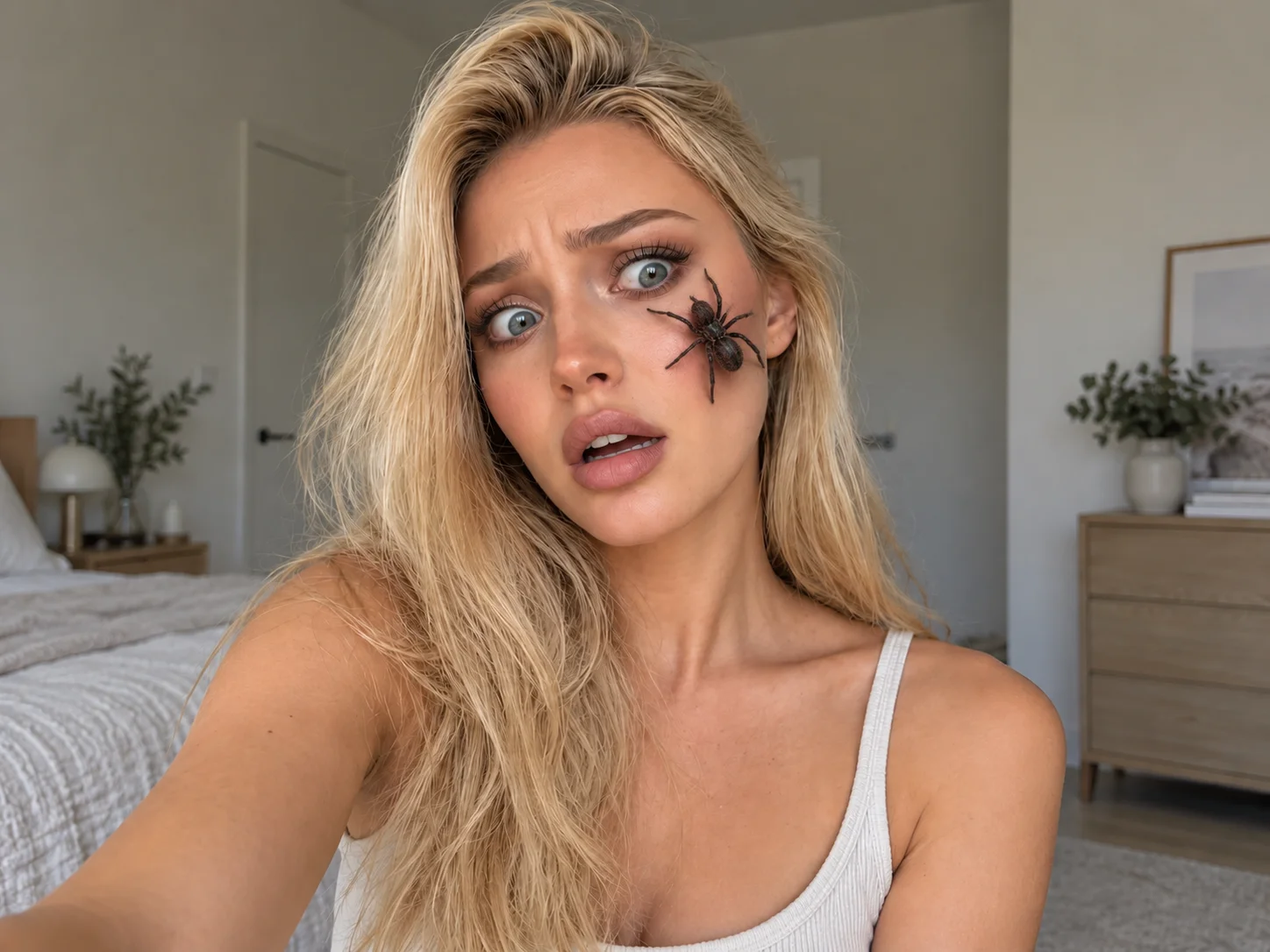
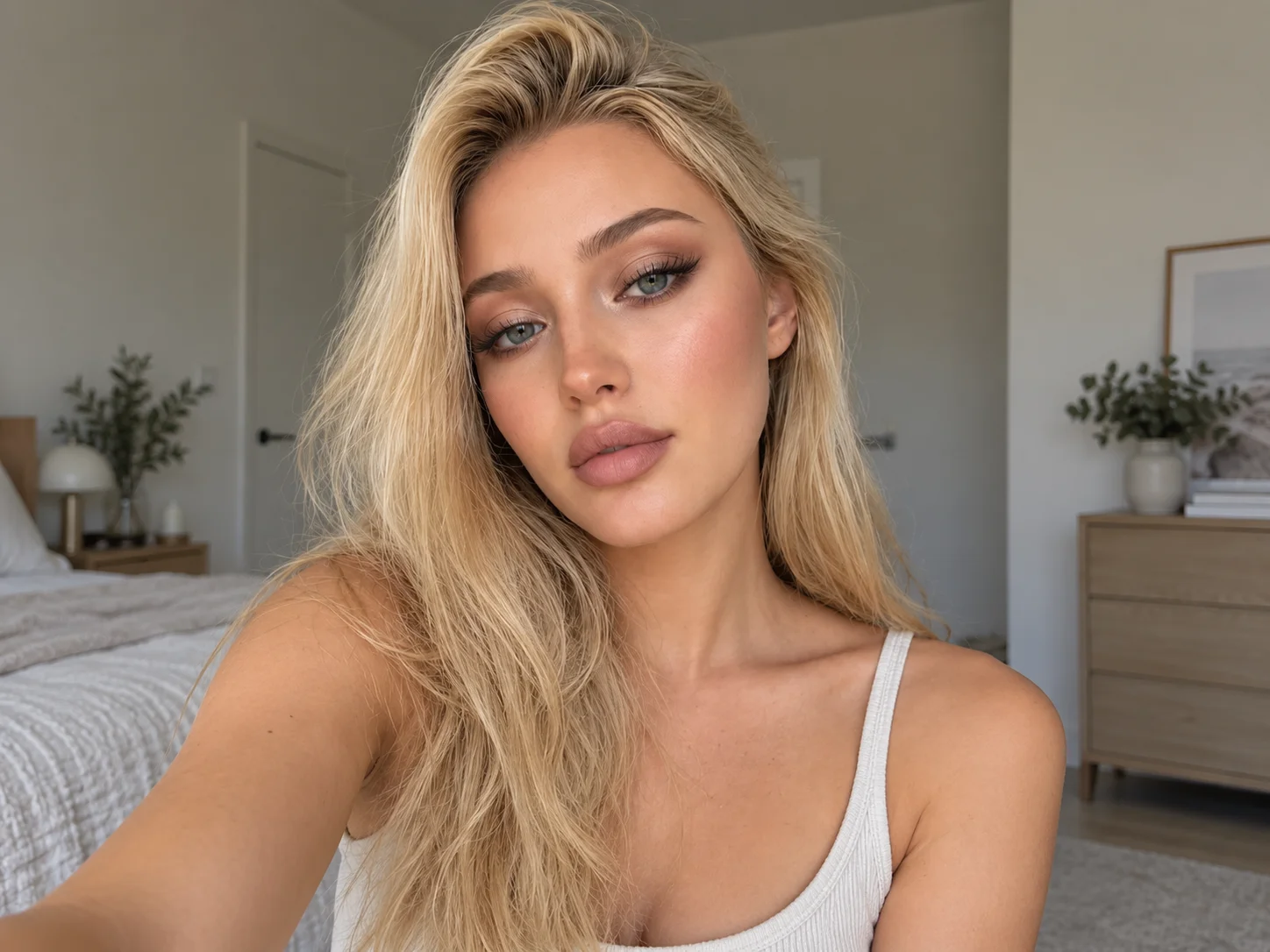
Upload a clear portrait and describe the spider you want. Place a lifelike spider on the face, match its scale, perspective, and shadows to the photo, and create a believable frightened reaction.
How to Use Spider Filter in 3 Steps
Upload
Choose a clear portrait where the face and eyes are easy to see. A front-facing photo with consistent lighting provides the best starting point.
Generate
Describe the spider's type, size, color, pose, and position. Generate the edit to place it naturally on the face and create a startled expression.
Download
Review the spider placement, facial reaction, and overall realism, then download the finished prank photo for sharing or creative projects.
Why Choose This Spider Filter
Realistic Spider Placement
Match the spider's scale, perspective, leg contact, and shadows to the uploaded portrait so it appears to crawl across the skin instead of looking pasted onto the photo.
Natural Spider on Face Control
Describe the spider's type, color, size, pose, and exact facial position to create a customized prank that follows your visual direction.
A Believable Frightened Reaction
Add widened eyes, tense raised eyebrows, and a slightly open mouth while preserving the person's recognizable identity, hairstyle, clothing, and original scene.
Who Use Qimg AI
Creators
Create attention-grabbing prank portraits, reaction images, Halloween posts, and short-form social visuals without manually compositing every detail.
Designers
Explore realistic creature placement, facial reactions, and horror-inspired compositions as references for posters, campaigns, and entertainment concepts.
Marketers
Produce memorable seasonal visuals and playful campaign assets for Halloween promotions, events, social posts, and audience engagement.
FAQs About Spider Filter
A spider filter uses AI to add a realistic spider to an uploaded portrait, align it with the face, and create a convincing prank image while retaining the recognizable person and scene.
Qimg AI matches the spider's scale, perspective, contact points, lighting, and shadows to the uploaded photo so the added element fits the skin and surrounding scene naturally.
Yes. Describe the intended cheek, forehead, or eye area together with the spider's size and pose to guide its placement more precisely.
Ask for a visible startled reaction with widened eyes, raised tense eyebrows, a slightly open mouth, and facial tension while keeping the person's identity recognizable.
Clear portraits with a visible face, sharp eyes, steady lighting, and enough cheek or forehead space usually produce more convincing spider placement and facial reactions.
Discover More on Qimg AI
Qimg AI is your go-to AI image toolkit for generating, editing, and enhancing photos and artwork.
Create a Realistic Prank with Spider Filter
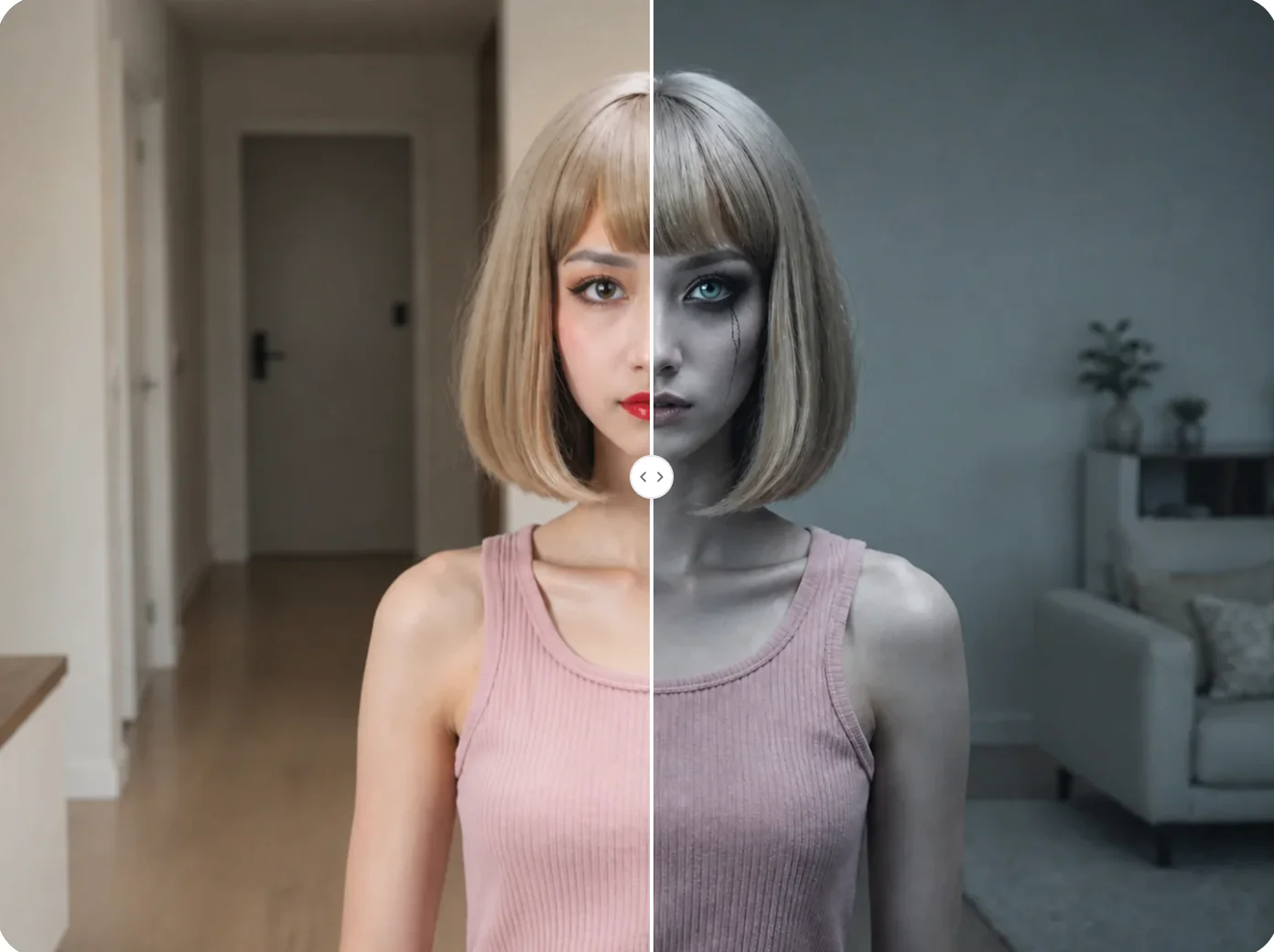
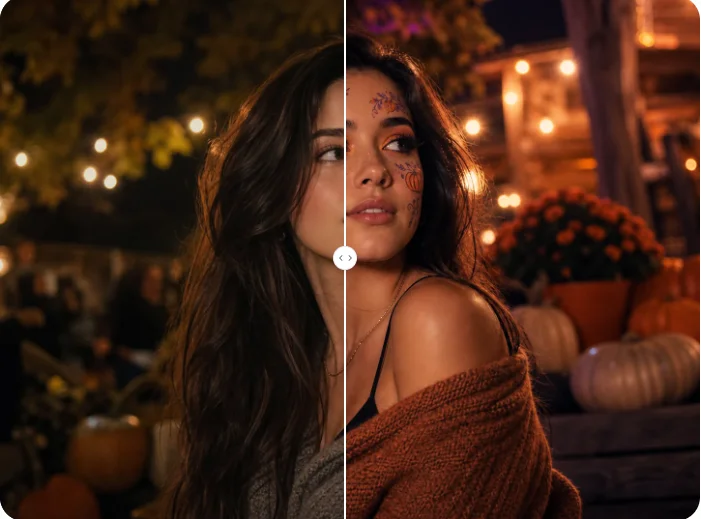
Upload a portrait, add a lifelike spider to the face, and create a frightened reaction with lighting, perspective, and shadows that fit the original photo.