
Note: Auto only supports 1K. 1:1 does not support 4K.
Spiderman Filter: Create Your Web-Slinging Hero Look
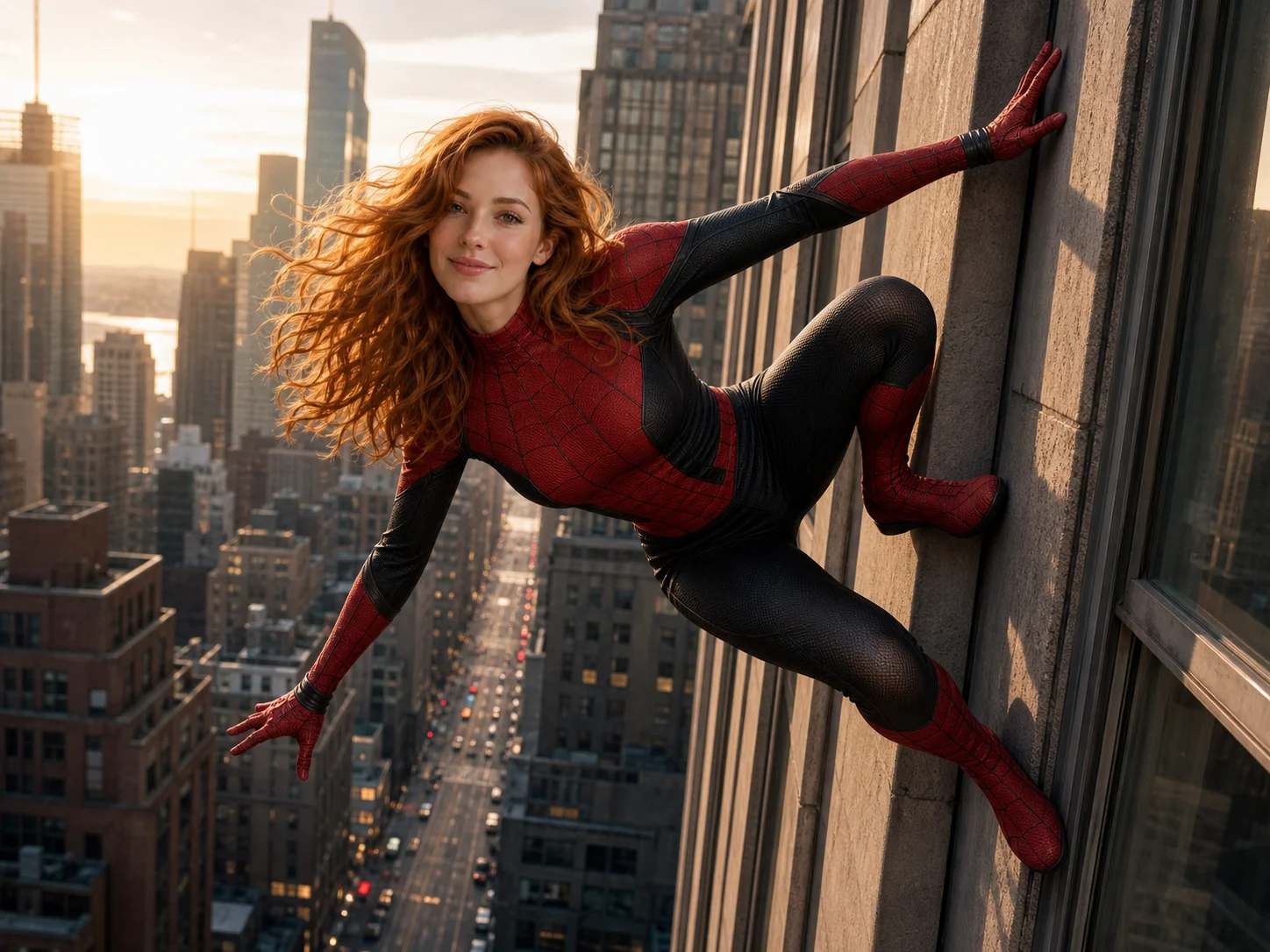
Upload a clear photo and describe the superhero scene you want. Transform the subject with a detailed web suit, an action-ready pose, and cinematic surroundings while preserving recognizable facial features and balanced lighting.
How to Use Spiderman Filter in 3 Steps
Upload
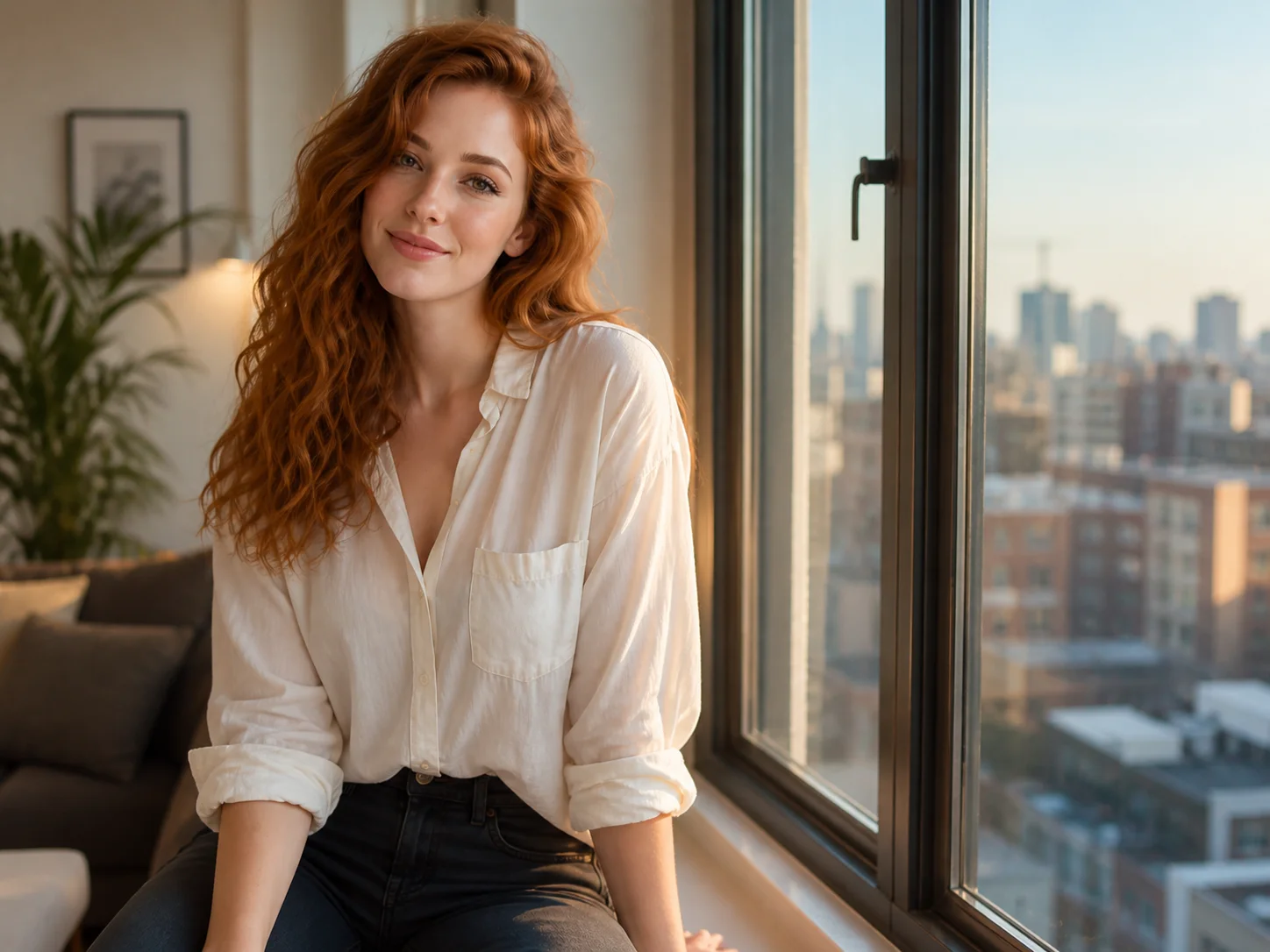
Choose a clear portrait or full-body photo with the face, pose, and clothing visible. Consistent lighting and an uncluttered subject help the transformation blend more naturally.
Generate
Describe the suit colors, mask coverage, action pose, and setting you want, then generate the edit. The AI adapts web textures, shadows, and perspective to the uploaded photo.
Download
Review the face, suit details, body proportions, and scene lighting. Download the finished superhero image when the result matches your creative direction.
Why Choose This Spiderman Filter
Detailed Web-Suit Transformation
Replace everyday clothing with a fitted red-and-blue or black-and-red web suit featuring realistic fabric texture, raised web lines, seams, and highlights that follow the subject's body and pose.
Recognizable Face and Natural Blending
Keep the person's recognizable face, hairstyle, and key features while matching the added costume and superhero styling to the original perspective, shadows, and surrounding light.
Flexible Superhero Scenes and Poses
Create rooftop portraits, wall-climbing action scenes, comic-inspired looks, or cinematic city moments. Guide the composition with a prompt while keeping body proportions and scene depth believable.
Who Use Qimg AI
Creators
Turn portraits into attention-grabbing superhero posts, profile pictures, fan edits, and short-form content without manually compositing costumes and backgrounds.
Designers
Explore web-suit details, dynamic poses, cinematic lighting, and comic-inspired compositions as visual references for posters, character concepts, and entertainment projects.
Marketers
Produce energetic superhero-themed visuals for events, social campaigns, entertainment promotions, and seasonal creative assets with a faster image workflow.
FAQs About Spiderman Filter
A Spiderman filter uses AI to transform an uploaded photo with web-suit details, superhero poses, masks, or comic-inspired environments while keeping the original person recognizable.
The edit is designed to preserve recognizable facial features, hair, and general appearance. A clear, well-lit source photo gives the AI stronger identity and lighting references.
Yes. Describe the preferred suit colors, whether the face should remain uncovered, the action pose, and the surrounding scene to guide the generated result.
Clear portraits or full-body photos with visible facial features, stable lighting, and a well-defined pose usually produce better costume alignment, proportions, and scene integration.
Yes. Use the prompt to request comic shading, rooftop skylines, wall-climbing action, dramatic city lighting, or other superhero-inspired visual directions.
Discover More on Qimg AI
Qimg AI is your go-to AI image toolkit for generating, editing, and enhancing photos and artwork.
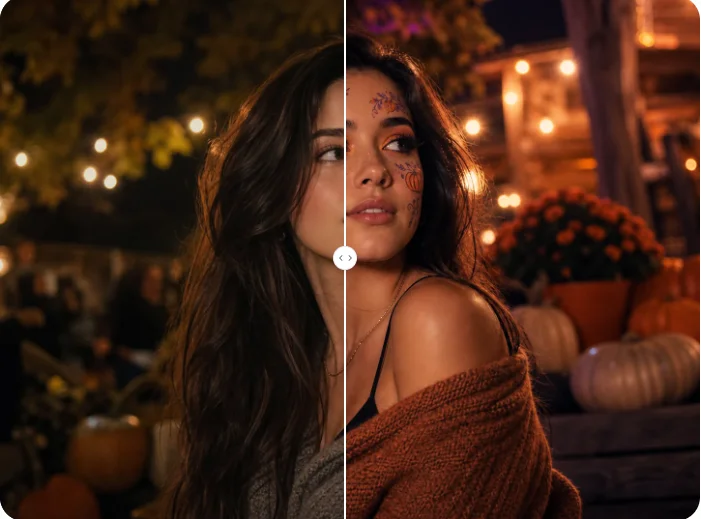
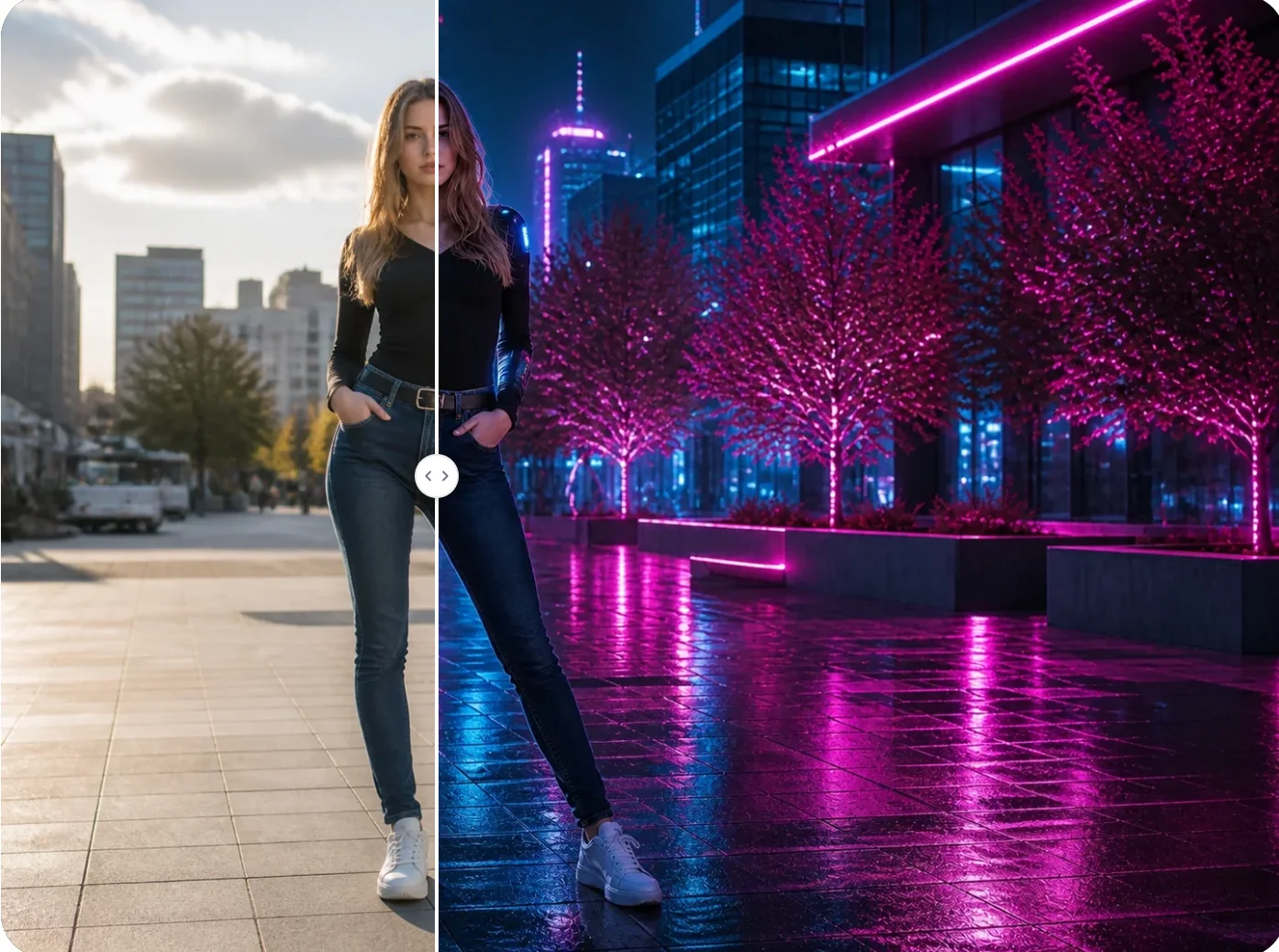
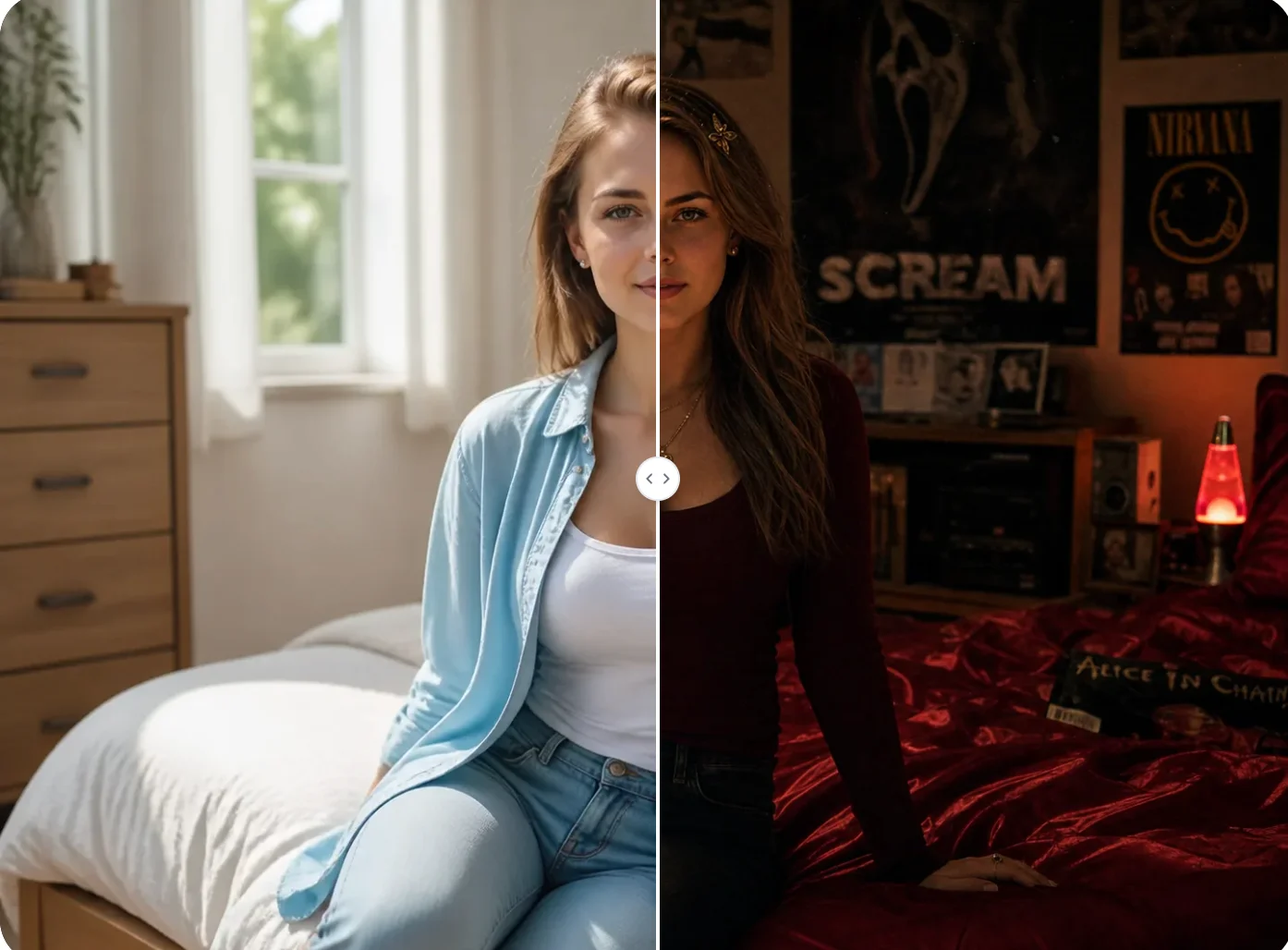
Create Your Hero Look with Spiderman Filter
Upload a photo and transform it with a detailed web suit, dynamic superhero pose, and cinematic scene while keeping the person recognizable.